Apunkagames Official Site – Games Download For PC ApunKaGames is a best website to download games for PC.
Table of Contents
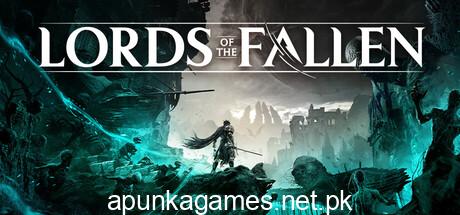
Lords of the Fallen is an action RPG (soulslike) developed by CI Games and co-developed by Hexworks. It is a dark fantasy game focused on challenging combat, exploration, and dual-realm mechanics set in a brutal world filled with demons and fallen gods.
The story takes place in a vast dark fantasy universe where the player becomes a Dark Crusader, tasked with defeating the resurrected demon god Adyr. The world is divided between the realm of the living and the dead, both filled with dangerous enemies and corrupted forces.
Gameplay focuses on methodical combat, stamina management, dodging, blocking, and precise timing, similar to other soulslike games. Players use melee weapons, magic abilities, and ranged attacks while carefully studying enemy patterns and boss mechanics.
One of the standout features of Lords of the Fallen is its dual-realm system, where players can shift between the world of the living (Axiom) and the world of the dead (Umbral). Each realm has different enemies, paths, secrets, and environmental interactions, making exploration highly strategic.
The game also features large-scale boss battles, deep character customization, and RPG progression systems including weapon upgrades, skill builds, and armor sets. Players can choose different playstyles such as heavy tank, agile fighter, or magic-focused build.
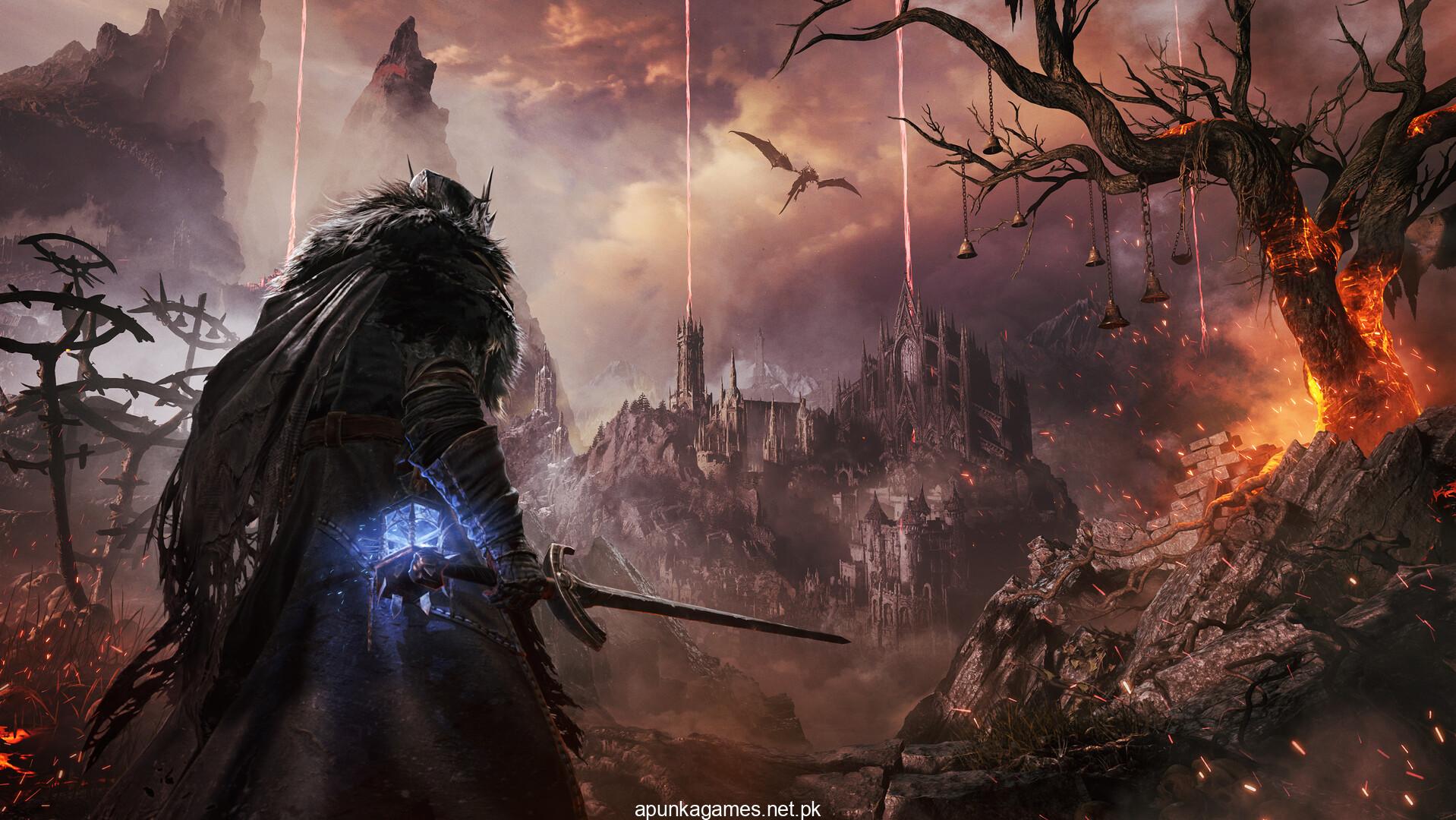
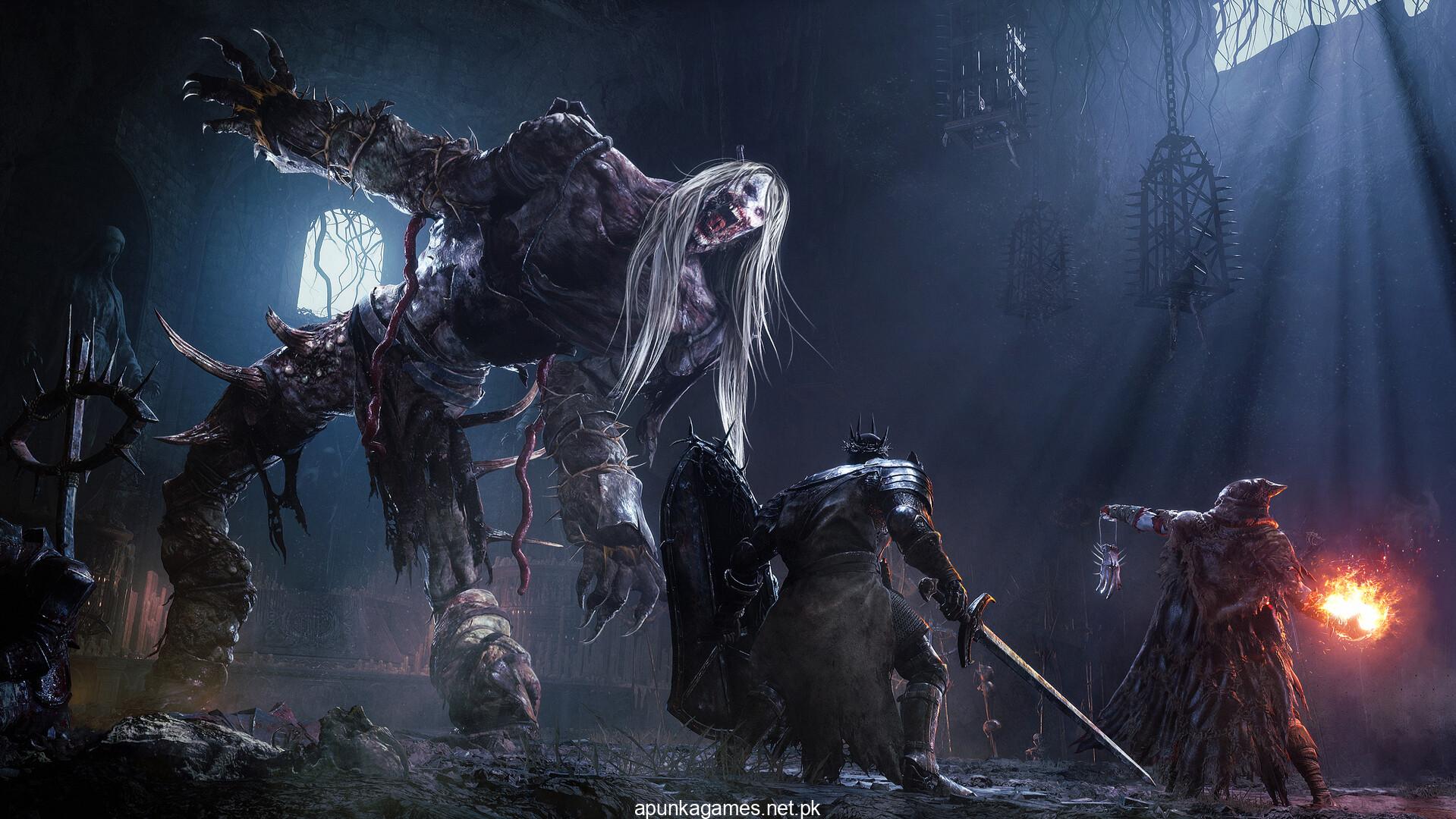
Visually, it delivers dark gothic environments, atmospheric lighting, and highly detailed monster designs, creating a heavy and immersive fantasy world.
If you enjoy challenging action RPGs, dark fantasy settings, and strategic combat, Lords of the Fallen is a must-play title. It offers a brutal but rewarding experience for fans of soulslike games.
Before downloading make sure that your PC meets minimum system requirements
Minimum System Requirements
- OS: Windows 10 64bit
- Processor: intel i5 8400 | AMD Ryzen 5 2600
- Memory: 12 GB RAM
- Graphics: 6GBs VRAM | NVIDIA GTX-1060
- DirectX: Version 12
- Storage: 45 GB available space
Screenshots
How to Install Lords of the Fallen?
- Download: Get the installer only from the official developer or a verified store.
- Run Setup: Double-click the official .exe file and follow the prompts.
- Default Path: Install to the recommended folder to ensure proper system permissions.
- Update: Run the game launcher to download any official security patches.
- Launch: Open the game via the official desktop shortcut.