 Apunkagames Official Site – Games Download For PC ApunKaGames is a best website to download games for PC.
Table of Contents
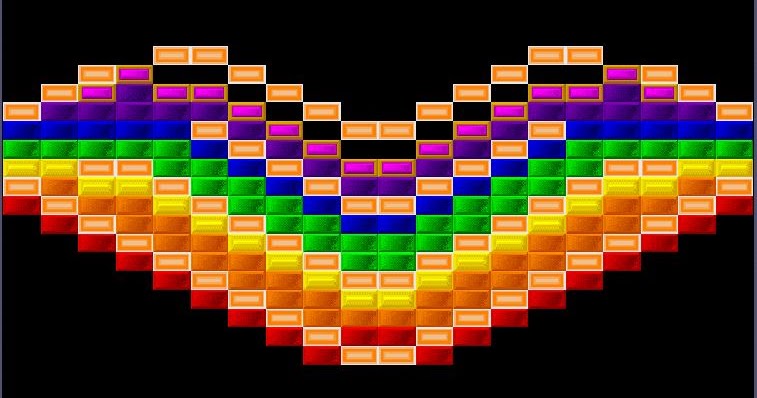
Bounce, break, and blast your way through hundreds of levels in DX-Ball, a classic arcade brick-breaker game developed by Longbow Digital Arts. Inspired by legendary arcade titles such as Breakout and Arkanoid, the game delivers simple yet highly addictive gameplay for PC players of all ages.
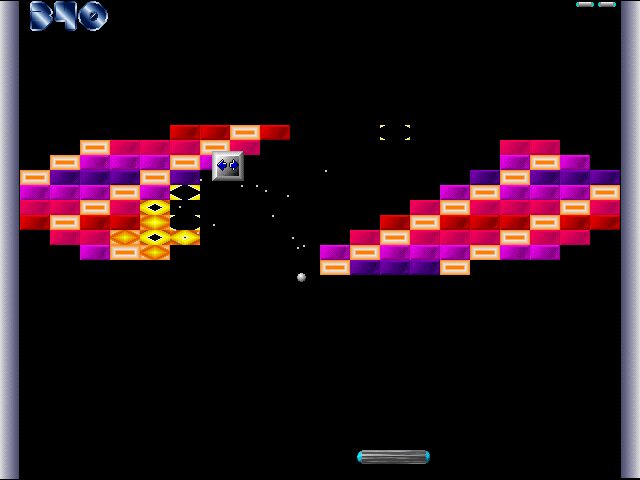
The gameplay focuses on brick-breaking action, paddle control, and score chasing, where players use a paddle at the bottom of the screen to keep a ball in play while destroying colorful blocks positioned throughout each level. Precision, timing, and quick reactions are essential for clearing stages successfully.
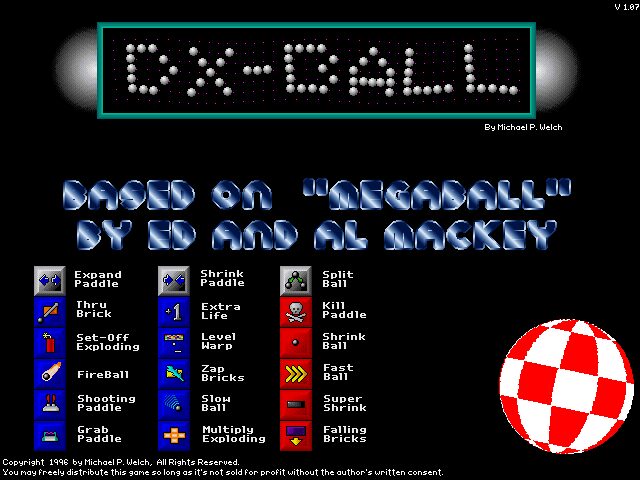
One of the standout features of DX-Ball is its wide variety of power-ups. Players can collect bonuses that increase paddle size, add multiple balls, provide lasers, improve ball speed, or unlock special abilities that help clear levels more efficiently.
The game features hundreds of increasingly challenging stages filled with different block layouts, special bricks, and obstacles. As players progress, levels become more complex and require better control and strategy.
Simple controls make the game easy to learn, while the increasing difficulty provides a satisfying challenge for experienced players seeking higher scores and faster completion times.
Colorful visuals, energetic sound effects, and smooth gameplay helped make DX-Ball one of the most popular PC arcade games of the late 1990s and early 2000s. Its pick-up-and-play design makes it enjoyable for both short sessions and extended play.
With its combination of classic arcade gameplay, addictive brick-breaking mechanics, and rewarding power-ups, DX-Ball remains a timeless favorite among PC players who enjoy casual arcade games and retro gaming experiences.
Before downloading make sure that your PC meets minimum system requirements
Minimum System Requirements
- OS: Windows 95/98/Me/2000/XP
- Processor: Pentium 166 MHz
- Memory: 16 MB RAM
- Graphics: 2 MB VGA graphics card
- DirectX: Version 6.0 or higher
- Storage: 5 MB available space
Screenshots
How to Install DX Ball?
- Download: Get the installer only from the official developer or a verified store.
- Run Setup: Double-click the official .exe file and follow the prompts.
- Default Path: Install to the recommended folder to ensure proper system permissions.
- Update: Run the game launcher to download any official security patches.
- Launch: Open the game via the official desktop shortcut.



