 Apunkagames Official Site – Games Download For PC ApunKaGames is a best website to download games for PC.
Table of Contents
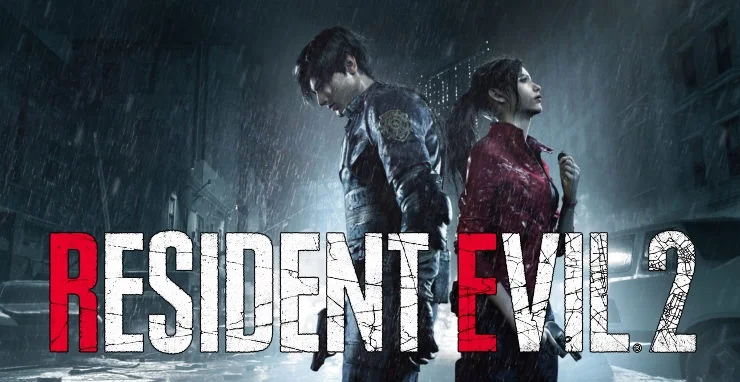
Resident Evil 2 Remake is a survival horror game developed and published by Capcom. It is a full modern reimagining of the original Resident Evil 2 and is part of the long-running Resident Evil series, focusing on atmosphere, tension, and modern survival gameplay.
The story follows two protagonists: Leon S. Kennedy, a rookie police officer on his first day in Raccoon City, and Claire Redfield, who arrives searching for her missing brother Chris. Both become trapped in the city during a deadly T-virus outbreak caused by the Umbrella Corporation, forcing them to survive against hordes of zombies and uncover the truth behind the disaster.
Gameplay combines third-person shooting, exploration, puzzle-solving, resource management, and survival horror mechanics. Players must carefully conserve ammunition, solve environmental puzzles, and navigate dark, dangerous areas filled with unpredictable threats.
One of the standout features of Resident Evil 2 is the presence of the Mr. X (Tyrant), a powerful enemy that relentlessly stalks the player throughout sections of the game, creating constant pressure and tension.
The game also features two separate campaigns for Leon and Claire, each offering different perspectives, weapons, and story details that together form a complete view of the Raccoon City outbreak.
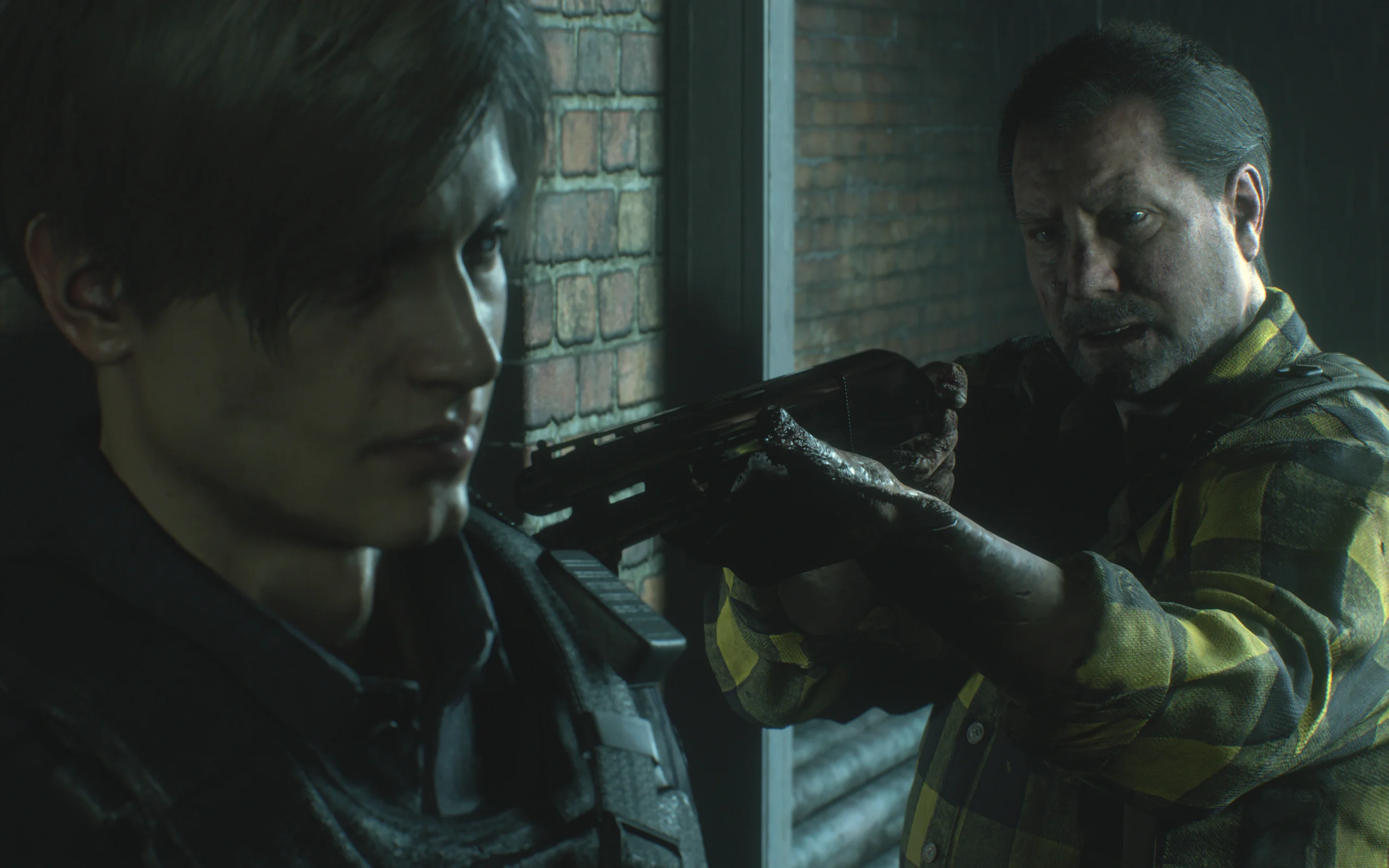
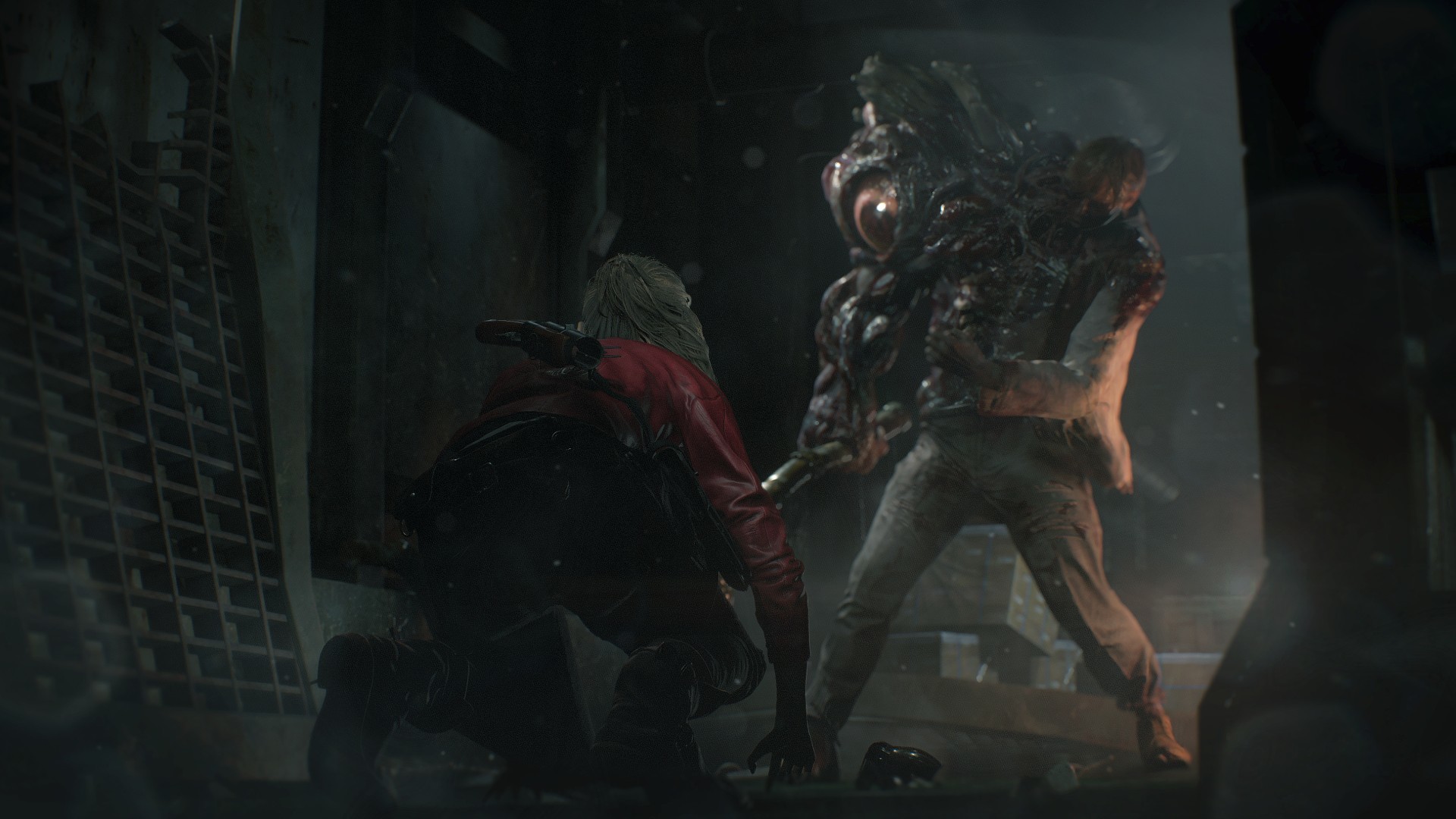
Visually, it uses Capcom’s RE Engine to deliver highly detailed environments, realistic lighting, cinematic horror presentation, and redesigned classic monsters that make Raccoon City feel more immersive and terrifying than ever.
If you enjoy survival horror games with intense atmosphere, exploration, puzzle-solving, and high tension gameplay, Resident Evil 2 (Remake) is widely considered one of the best modern horror games ever created.
Before downloading make sure that your PC meets minimum system requirements
Minimum System Requirements
- OS: Windows 7/8/10/11
- Processor: Intel Core i5-4460
- Memory: 8 GB RAM
- Graphics: NVIDIA GeForce GTX 760
- DirectX: Version 11
- Storage: 26 GB available space
Screenshots
How to Install?
- Download: Get the installer only from the official developer or a verified store.
- Run Setup: Double-click the official .exe file and follow the prompts.
- Default Path: Install to the recommended folder to ensure proper system permissions.
- Update: Run the game launcher to download any official security patches.
- Launch: Open the game via the official desktop shortcut.



