 Apunkagames Official Site – Games Download For PC ApunKaGames is a best website to download games for PC.
Table of Contents
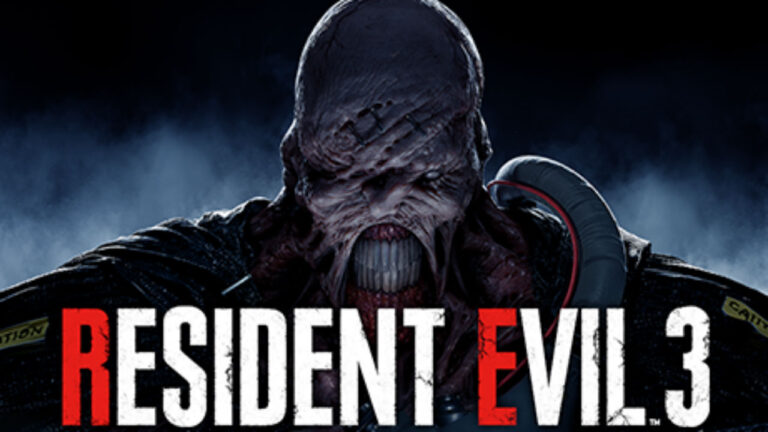
Resident Evil 3 Remake is a survival horror action game developed and published by Capcom. It is a modern reimagining of the original Resident Evil 3: Nemesis and is part of the long-running Resident Evil series.
The story follows Jill Valentine, a former S.T.A.R.S. officer trying to escape the collapsing city of Raccoon City during a devastating T-virus outbreak caused by the Umbrella Corporation. As the infection spreads, she is relentlessly hunted by the bio-weapon known as Nemesis, a powerful creature designed to eliminate S.T.A.R.S. members.
Gameplay focuses on third-person shooting, survival horror, exploration, and fast-paced action combat. Players must fight infected enemies, solve light puzzles, manage limited resources, and survive intense chase sequences while navigating a collapsing city environment.
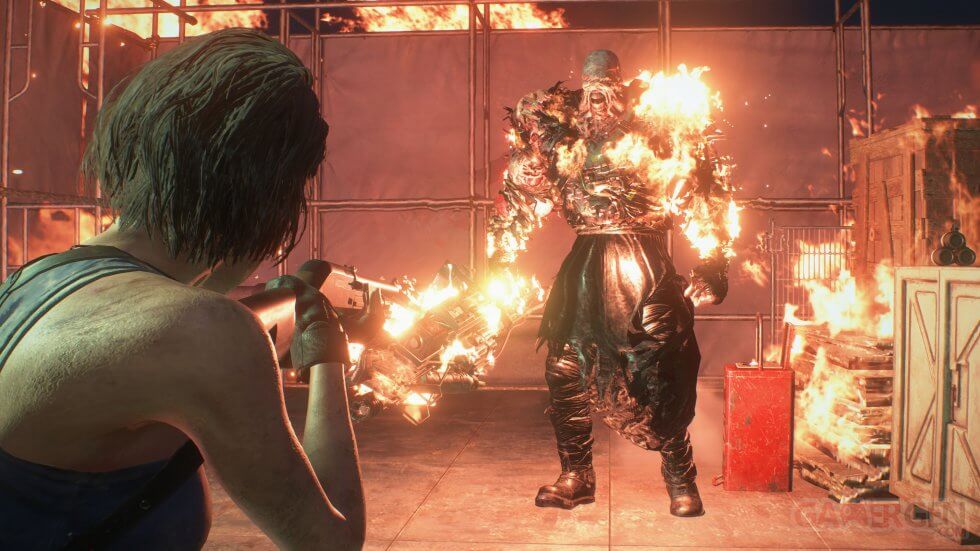
One of the standout features of Resident Evil 3 is the constant threat of Nemesis, who can appear unexpectedly during scripted events and certain encounters, creating tension and forcing quick decision-making.
The game also includes a more streamlined and cinematic structure compared to older Resident Evil titles, with a stronger focus on action, scripted events, and fast pacing.
Visually, it uses Capcom’s RE Engine to deliver highly detailed city environments, realistic character models, dynamic lighting, and intense monster designs that enhance the horror atmosphere of Raccoon City.
If you enjoy survival horror with fast action, cinematic storytelling, and intense chase sequences, Resident Evil 3 (Remake) is a modern, streamlined reimagining of a classic Resident Evil experience.
Before downloading make sure that your PC meets minimum system requirements
Minimum System Requirements
- OS: Windows 7/8/10/11
- Processor: Intel Core i5-4460
- Memory: 8 GB RAM
- Graphics: NVIDIA GeForce GTX 760
- DirectX: Version 11
- Storage: 45 GB available space
Screenshots
How to Install Resident Evil 3 Remake?
- Download: Get the installer only from the official developer or a verified store.
- Run Setup: Double-click the official .exe file and follow the prompts.
- Default Path: Install to the recommended folder to ensure proper system permissions.
- Update: Run the game launcher to download any official security patches.
- Launch: Open the game via the official desktop shortcut.



