 Apunkagames Official Site – Games Download For PC ApunKaGames is a best website to download games for PC.
Table of Contents
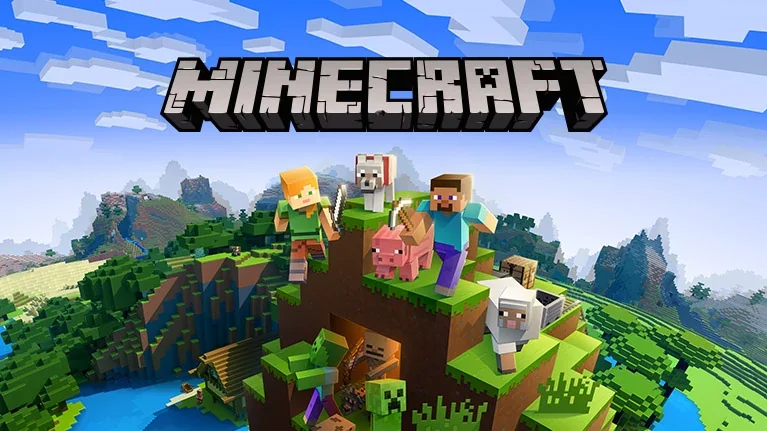
Build, explore, and survive in Minecraft, one of the most successful and influential video games ever created. Developed by Markus Persson and later expanded by Mojang Studios, the game offers a vast sandbox world where creativity and adventure are limited only by the player’s imagination.
The gameplay focuses on sandbox building, survival, exploration, crafting, and resource gathering. Players begin in a procedurally generated world and can collect materials, craft tools, build structures, farm resources, and explore countless biomes ranging from forests and deserts to oceans and snowy mountains.
One of the standout features of Minecraft is its complete freedom. Players can build anything from small houses to massive cities, castles, functioning computers, and detailed recreations of real-world landmarks using the game’s block-based building system.
The game offers several modes:
- Survival Mode – Gather resources, craft equipment, fight hostile creatures, and manage hunger while surviving in the wilderness.
- Creative Mode – Access unlimited blocks and resources to build without restrictions.
- Hardcore Mode – A challenging survival experience with permanent death.
- Adventure Mode – Designed for custom maps and player-created experiences.
Players encounter iconic creatures such as the Creeper, Enderman, zombies, skeletons, and dragons while exploring dangerous caves, ancient structures, and other dimensions.
The game features multiple dimensions, including the fiery Nether and the mysterious The End, where players can battle the legendary Ender Dragon.
A massive modding community has created thousands of custom maps, gameplay modifications, texture packs, and adventure experiences, giving Minecraft virtually endless replayability.
With its combination of creative freedom, survival mechanics, exploration, and multiplayer possibilities, Minecraft remains one of the greatest sandbox games ever made and continues to attract millions of players around the world.
Before downloading make sure that your PC meets minimum system requirements
Minimum System Requirements
- OS: Windows 7 / 8 / 10 / 11 (64-bit)
- Processor: Intel Core i3-3210
- RAM: 2 GB
- Graphics: Intel HD Graphics 4000
- Storage: 1 GB
Screenshots
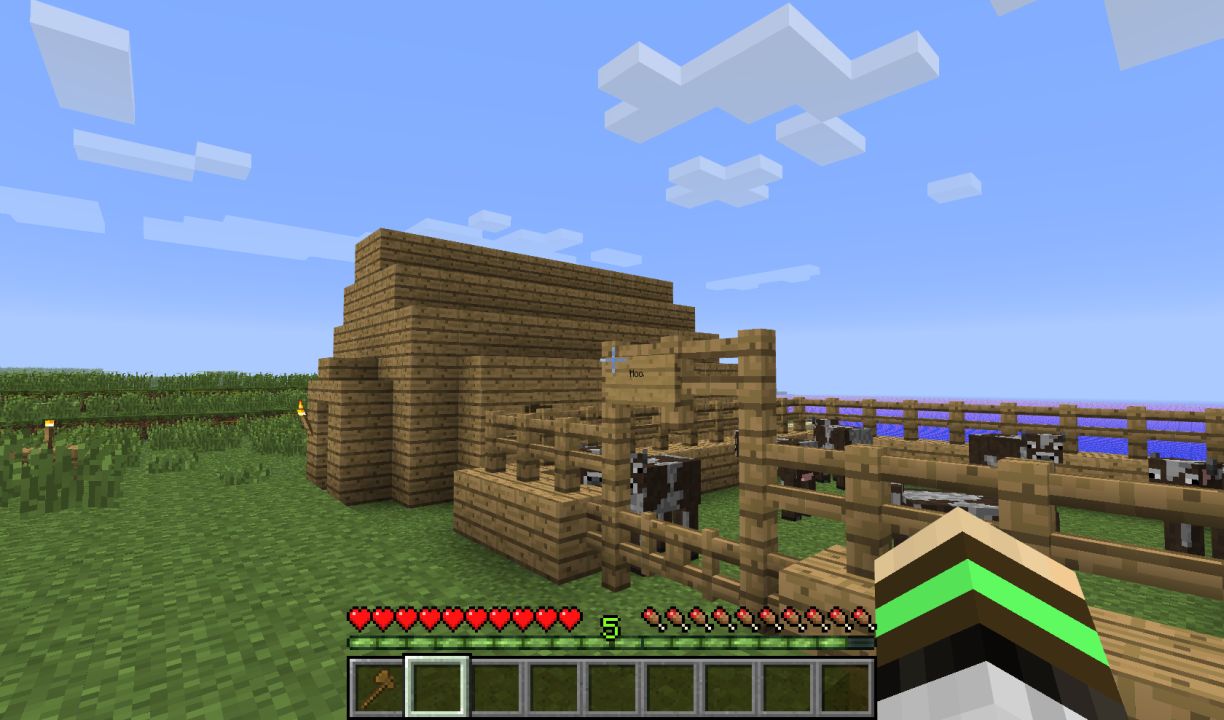
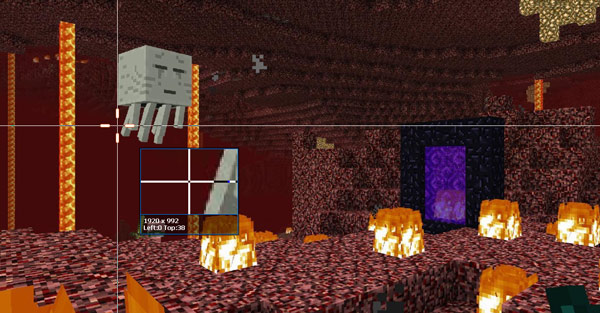
How to Install Minecraft?
- Download: Get the installer only from the official developer or a verified store.
- Run Setup: Double-click the official .exe file and follow the prompts.
- Default Path: Install to the recommended folder to ensure proper system permissions.
- Update: Run the game launcher to download any official security patches.
- Launch: Open the game via the official desktop shortcut.



