Apunkagames Official Site – Games Download For PC ApunKaGames is a best website to download games for PC.
Table of Contents
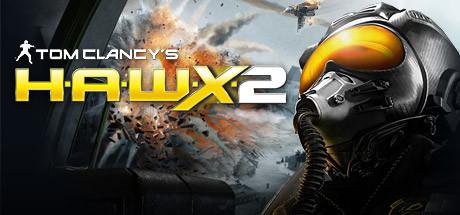
Tom Clancy’s H.A.W.X 2 is a combat flight simulation game developed by Ubisoft Bucharest and published by Ubisoft. It is part of the Tom Clancy’s series and focuses on modern aerial warfare, high-speed jet combat, and tactical air missions.
The game puts players in control of elite fighter pilots from different air forces, carrying out missions involving dogfights, precision strikes, reconnaissance, and air superiority battles across global conflict zones.
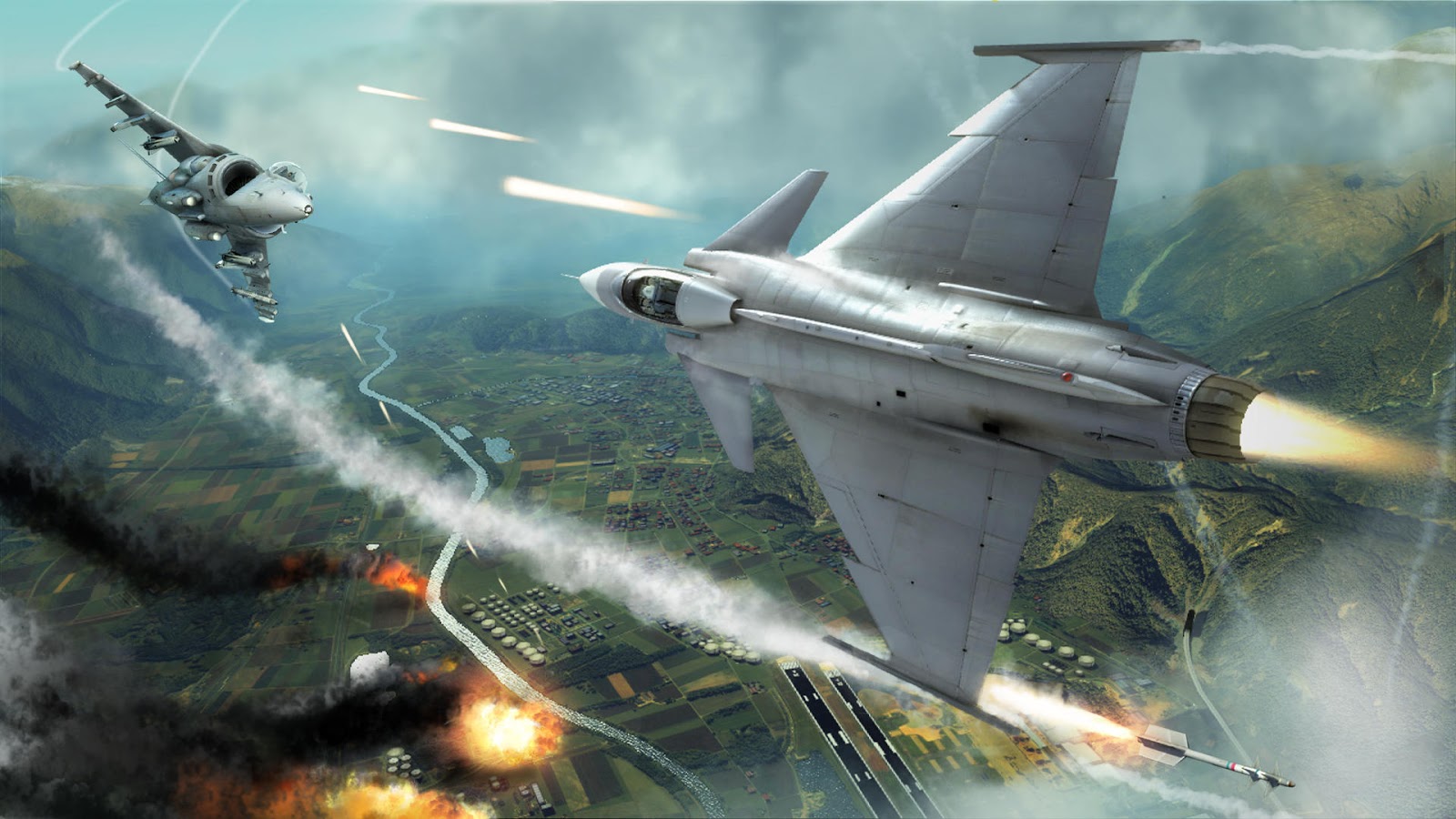
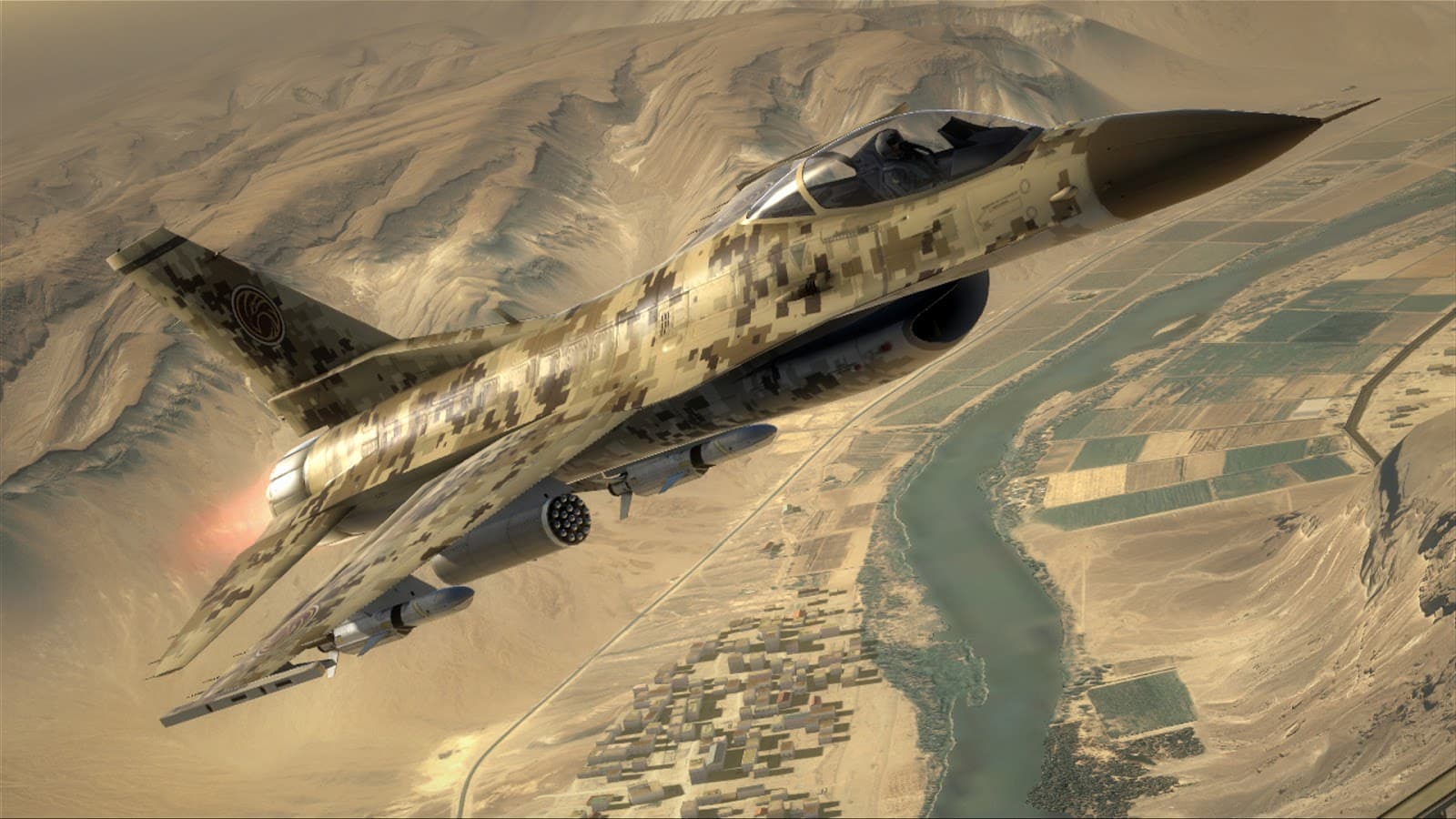
Gameplay focuses on fast-paced aircraft combat with both arcade and simulation elements. Players can take off, land, refuel mid-air, and control advanced fighter jets equipped with missiles, bombs, and electronic warfare systems.
One of the standout features of Tom Clancy’s H.A.W.X 2 is its assisted flight system, which helps players perform advanced maneuvers while still maintaining a realistic feel of high-speed aerial combat.
The game also includes drone control mechanics, allowing players to remotely operate UAVs for reconnaissance, targeting, and tactical support during missions.
Multiplayer features include co-op missions and competitive aerial combat, where players engage in intense dogfights and coordinated strike operations.
Visually, it features detailed aircraft models, global conflict environments, and cinematic sky battles, emphasizing the scale and intensity of modern air warfare.
If you enjoy flight combat games, jet dogfights, and military simulation-style action, Tom Clancy’s H.A.W.X 2 is a strong choice. It delivers fast aerial combat combined with tactical mission objectives and modern fighter jet gameplay.
Before downloading make sure that your PC meets minimum system requirements
Minimum System Requirements
- OS: Windows XP/7/8/10/11
- Processor: Intel Pentium 4 3.0 GHz
- Memory: 2 GB
- Graphics: ATI Radeon X1650 or NVIDIA GeForce 6800
- DirectX: Version 9.0c
- Hard Drive: 9 GB free space
Screenshots
How to Install?
- Download: Get the installer only from the official developer or a verified store.
- Run Setup: Double-click the official .exe file and follow the prompts.
- Default Path: Install to the recommended folder to ensure proper system permissions.
- Update: Run the game launcher to download any official security patches.
- Launch: Open the game via the official desktop shortcut.