 Apunkagames Official Site – Games Download For PC ApunKaGames is a best website to download games for PC.
Table of Contents
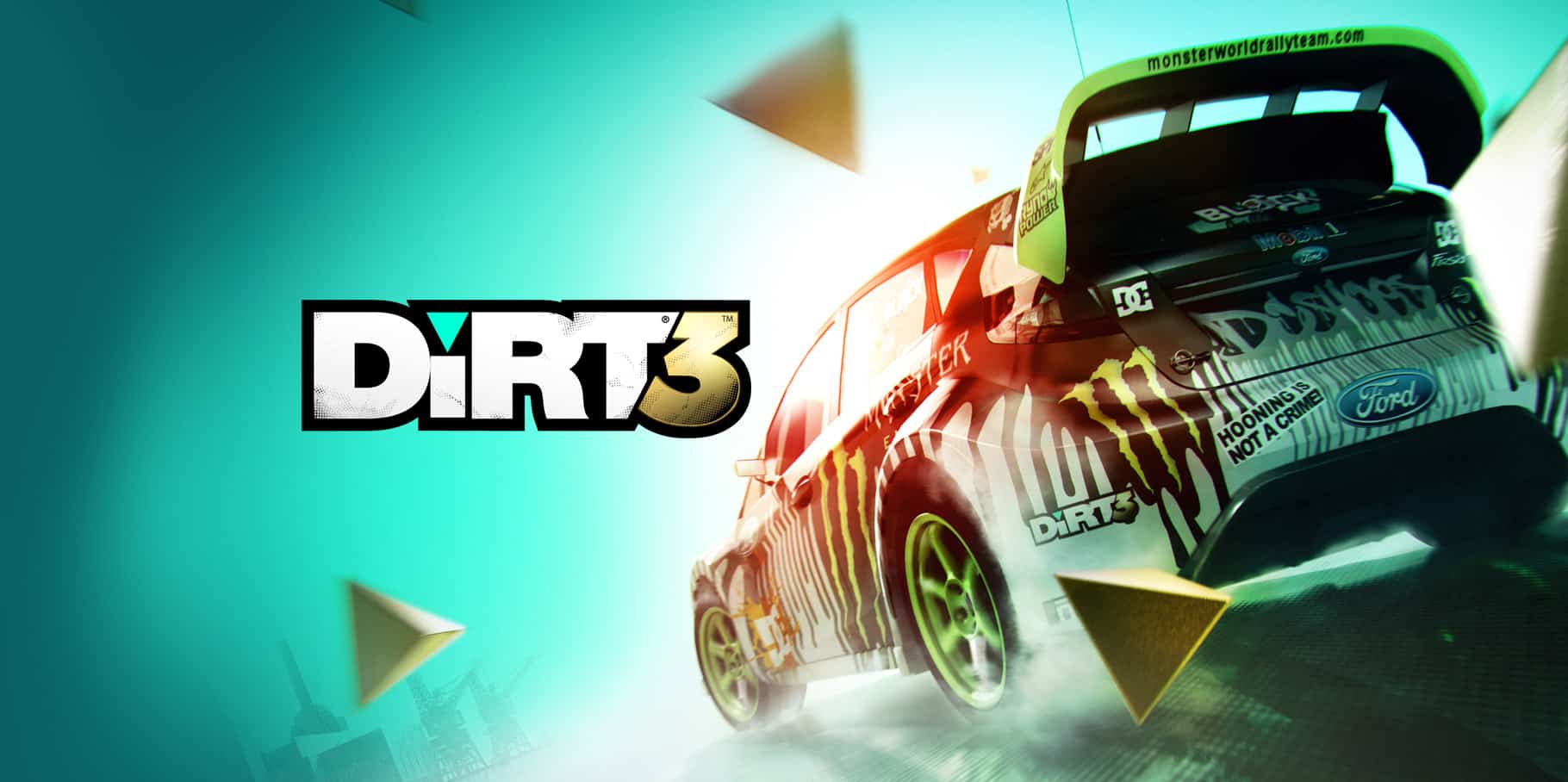
Race through challenging rally stages around the world in DiRT 3, a rally racing game developed and published by Codemasters. Known for its realistic handling, dynamic weather, and intense off-road racing, the game is one of the most celebrated entries in the DiRT series for PC players.
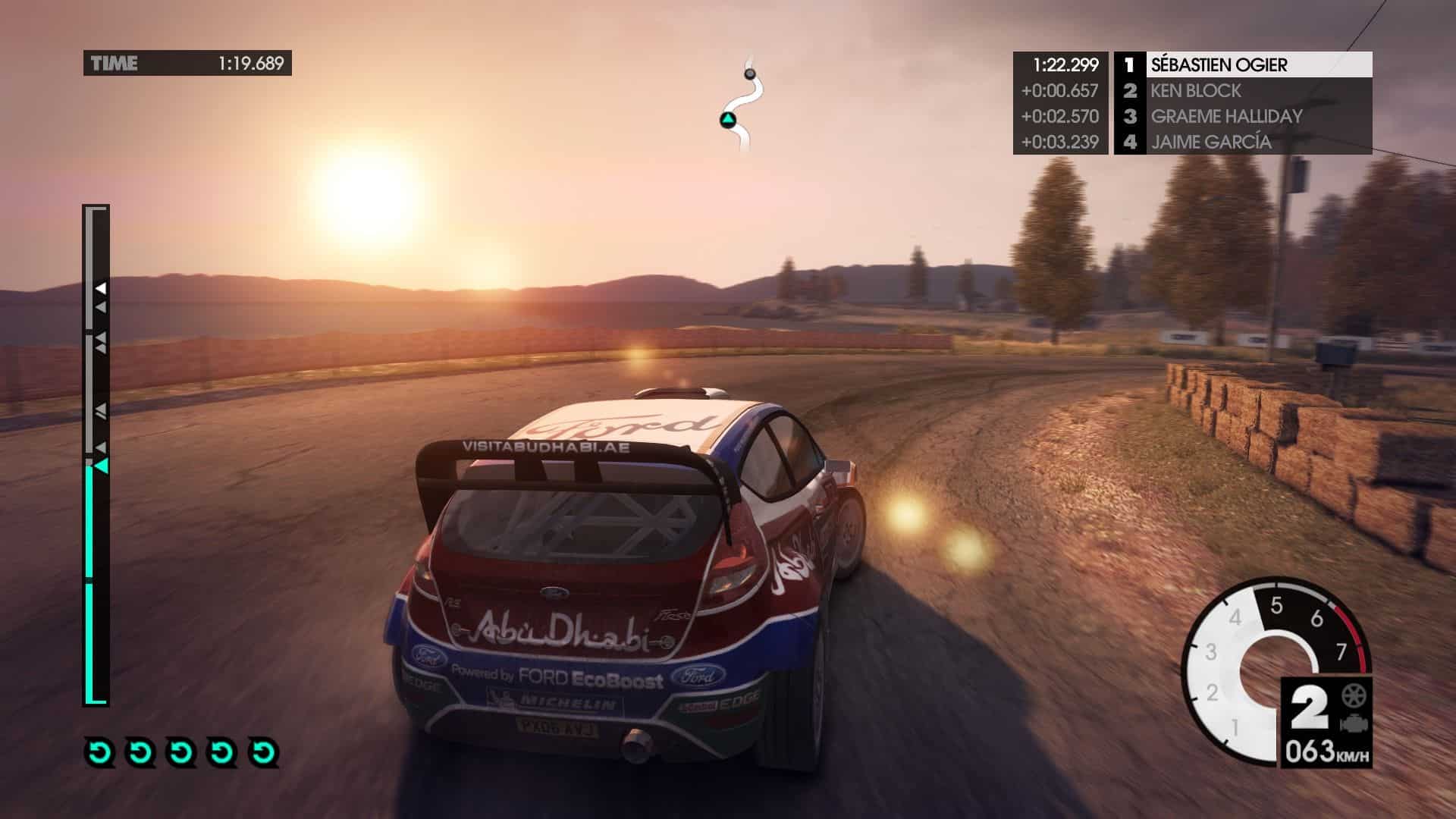
The gameplay focuses on rally racing, off-road driving, and precision control, where players compete across gravel, snow, tarmac, and dirt tracks in powerful rally cars. Every race demands skillful handling, careful braking, and adaptation to changing terrain conditions.
One of the standout features of DiRT 3 is its diverse racing modes. Players can participate in traditional rally stages, gymkhana-style stunt driving, and competitive rallycross events, each offering different challenges and driving styles.
The game features a wide range of officially licensed rally cars from different eras, including modern rally machines and classic vehicles. Each car has distinct handling characteristics that require players to master control on different surfaces.
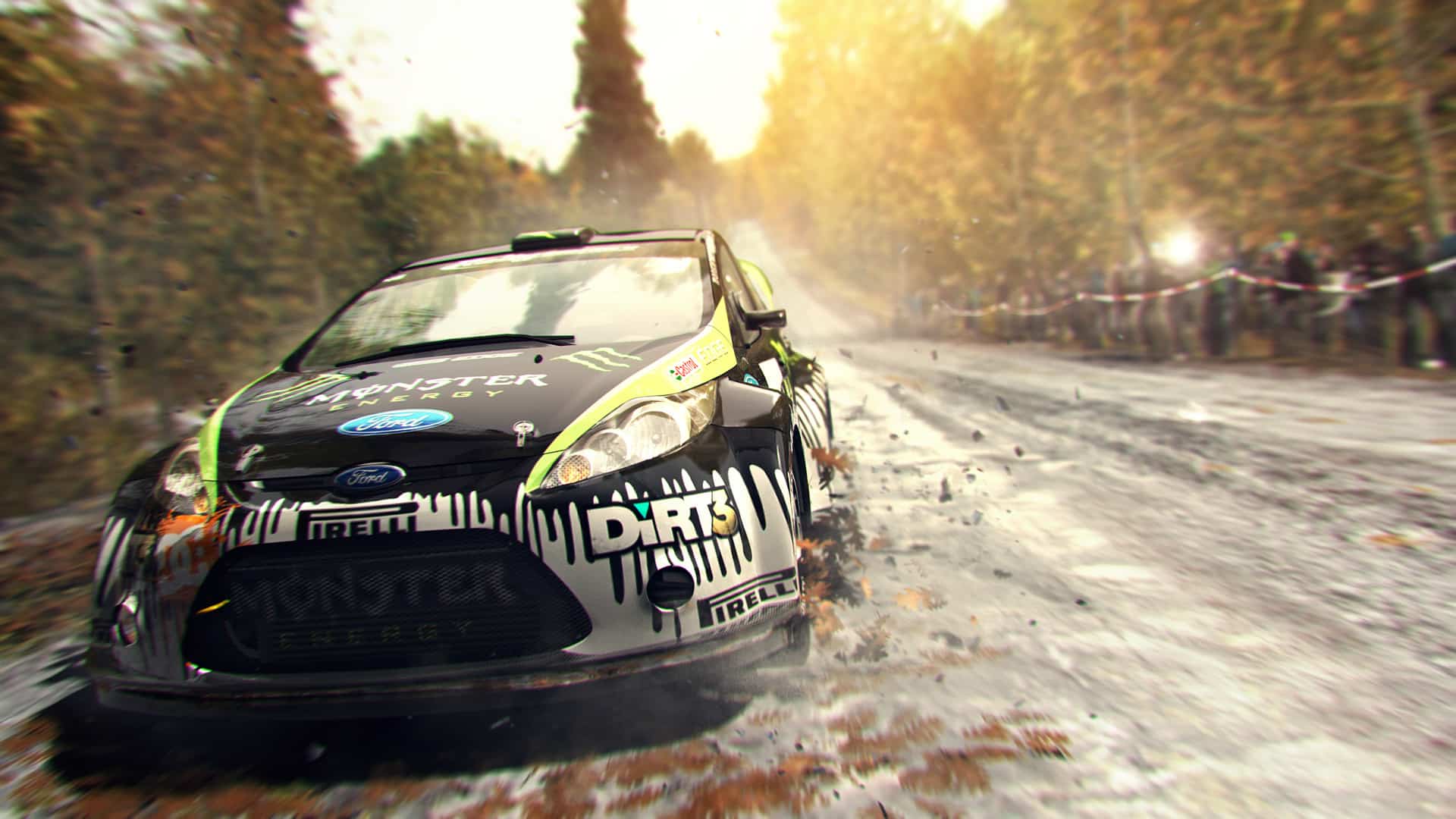
Dynamic weather and lighting conditions play a major role in gameplay. Rain, snow, and changing track conditions affect visibility and traction, forcing players to adjust their driving techniques in real time.
The career mode allows players to progress through events, earn reputation, and unlock new cars, sponsorships, and championships across global locations such as Finland, Kenya, Norway, and the United States.
With its combination of realistic rally physics, varied racing disciplines, and intense off-road environments, DiRT 3 remains one of the most iconic rally racing games for PC players who enjoy precision driving and motorsport challenges.
Before downloading make sure that your PC meets minimum system requirements
Minimum System Requirements
- OS: Windows XP / Vista / 7
- Processor: AMD Athlon 64 X2 2.8 GHz
- Memory: 2 GB RAM
- Graphics: AMD Radeon HD 2000 series
- DirectX: Version 9.0c
- Hard Drive: 15 GB free space
Screenshots
How to Install Dirt 3?
- Download: Get the installer only from the official developer or a verified store.
- Run Setup: Double-click the official .exe file and follow the prompts.
- Default Path: Install to the recommended folder to ensure proper system permissions.
- Update: Run the game launcher to download any official security patches.
- Launch: Open the game via the official desktop shortcut.



