 Apunkagames Official Site – Games Download For PC ApunKaGames is a best website to download games for PC.
Table of Contents
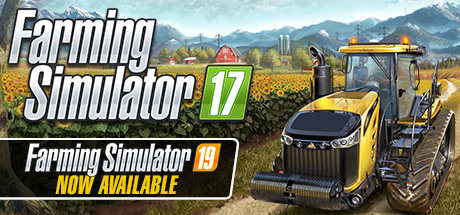
Take control of your own modern farm in Farming Simulator 17, a farming simulation game developed and published by GIANTS Software. The game focuses on realistic agricultural operations, allowing players to grow crops, raise animals, and manage a full-scale farming business from scratch.
The gameplay centers around farming, machinery operation, livestock management, and economic progression, where players begin with basic equipment and gradually expand their farm into a large and profitable operation. Every decision, from crop selection to equipment upgrades, affects long-term success.
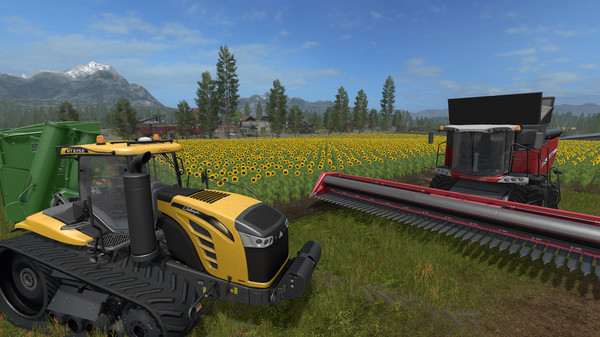
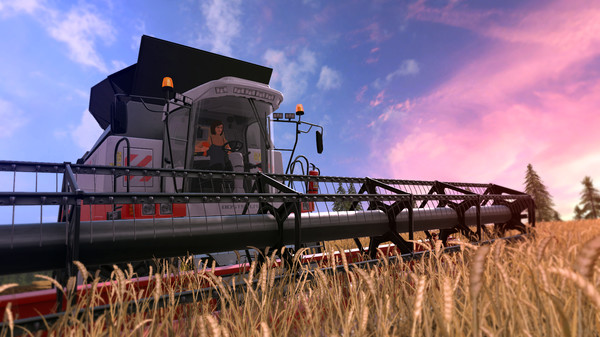
One of the standout features of Farming Simulator 17 is its wide range of officially licensed agricultural vehicles and tools. Players can operate tractors, harvesters, seeders, plows, and transport equipment from real-world manufacturers, each designed for specific farming tasks.
Crop farming is a core mechanic, with players planting and harvesting crops such as wheat, corn, canola, soybeans, and sunflowers. Timing and efficiency are important, as proper field management directly impacts yield and profit.
The game also includes livestock systems, allowing players to raise cows, sheep, pigs, and chickens. Managing animals requires feeding, maintenance, and resource planning to generate steady income from products like milk, wool, and eggs.
Players can also participate in forestry activities, including cutting trees, transporting logs, and selling timber for additional profit, adding more variety to the farming experience.
The open-world environments are inspired by real agricultural regions, offering large fields, farmland, and rural landscapes that encourage exploration and expansion.
With its combination of realistic farming mechanics, vehicle simulation, and deep economic management, Farming Simulator 17 delivers a detailed and relaxing agricultural experience for players who enjoy simulation and strategy gameplay.
Before downloading make sure that your PC meets minimum system requirements
Minimum System Requirements
- OS: Windows 7, Windows 8, Windows 10
- Processor: 2.0 GHz Intel or equivalent
- Memory: 2 GB RAM
- Graphics: Nvidia Geforce GTS 450 Series
- Network: Broadband Internet connection
- Storage: 6 GB available space
Screenshots
How to Install Farming Simulator 17?
- Download: Get the installer only from the official developer or a verified store.
- Run Setup: Double-click the official .exe file and follow the prompts.
- Default Path: Install to the recommended folder to ensure proper system permissions.
- Update: Run the game launcher to download any official security patches.
- Launch: Open the game via the official desktop shortcut.



