 Apunkagames Official Site – Games Download For PC ApunKaGames is a best website to download games for PC.
Table of Contents
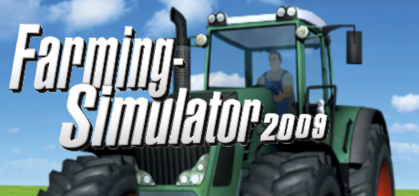
Begin your farming journey in Farming Simulator 2009, the game that launched the popular Farming Simulator franchise, developed and published by GIANTS Software. Designed to recreate the experience of managing a real farm, the game introduces players to the basics of agriculture, machinery operation, and farm economics.
The gameplay focuses on crop cultivation, vehicle operation, and farm management, where players start with a modest farm and a small collection of agricultural equipment. The objective is to grow crops, harvest fields, transport produce, and earn money to expand farming operations.
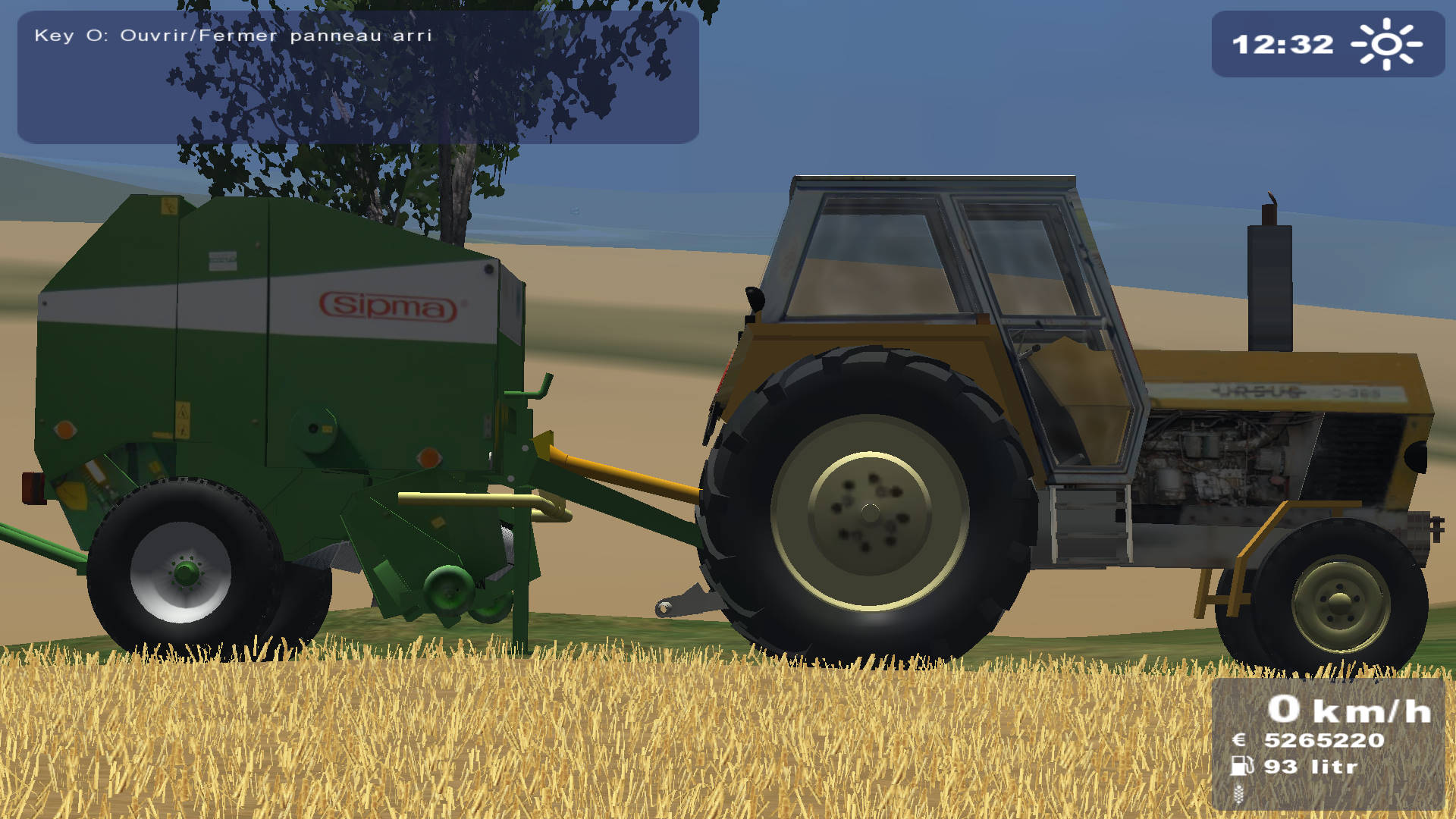
One of the standout features of Farming Simulator 2009 is its realistic machinery system. Players can operate various tractors, harvesters, trailers, and farming tools, each serving a specific role in the agricultural process. Learning how to use the equipment efficiently is an important part of progression.
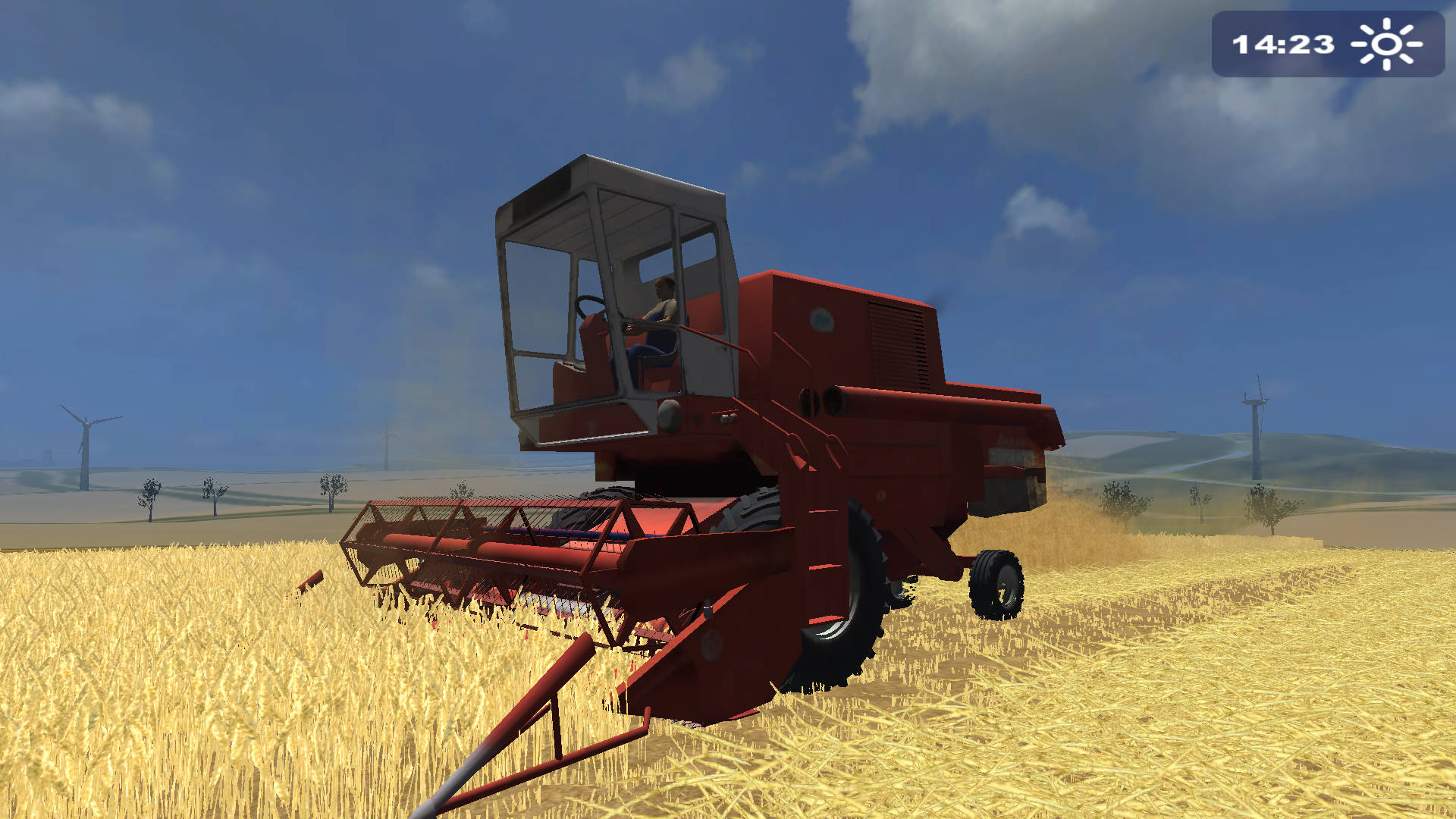
Crop production forms the heart of the experience. Players prepare fields, sow seeds, monitor crop growth, and harvest their produce before transporting it to selling points. Successful harvests generate income that can be reinvested into better equipment and larger fields.
The game emphasizes steady progression and economic management. Every purchase must be carefully considered, as expanding too quickly can strain resources and limit profitability.
The rural environment provides a peaceful setting filled with farmland, roads, and agricultural facilities, creating a relaxing atmosphere that encourages long-term development and planning.
With its combination of farming mechanics, realistic machinery operation, and business management, Farming Simulator 2009 laid the foundation for one of the most successful agricultural simulation franchises in gaming history.
Before downloading make sure that your PC meets minimum system requirements
Minimum System Requirements
- OS: Windows XP / Windows Vista
- Processor: 2.0 GHz Intel or equivalent AMD processor
- Memory: 512 MB RAM
- Graphics: NVIDIA GeForce 6800
- DirectX: Version 9.0c
- Hard Drive: 1 GB of free space
Screenshots
How to Install Farming Simulator 2009?
- Download: Get the installer only from the official developer or a verified store.
- Run Setup: Double-click the official .exe file and follow the prompts.
- Default Path: Install to the recommended folder to ensure proper system permissions.
- Update: Run the game launcher to download any official security patches.
- Launch: Open the game via the official desktop shortcut.



