 Apunkagames Official Site – Games Download For PC ApunKaGames is a best website to download games for PC.
Table of Contents
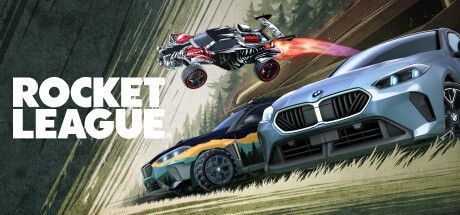
Drive, jump, and score incredible goals in Rocket League, a physics-based sports action game developed and published by Psyonix. Blending soccer with high-speed rocket-powered vehicles, the game creates one of the most unique and competitive multiplayer experiences in modern gaming.
The gameplay focuses on vehicular soccer, aerial control, and fast-paced multiplayer competition, where players control customizable rocket-powered cars and attempt to hit a giant ball into the opponent’s goal. Matches are short, intense, and heavily skill-based, requiring precision, timing, and teamwork.
One of the standout features of Rocket League is its advanced physics system. The ball responds realistically to impacts, allowing for powerful shots, controlled passes, and unpredictable rebounds. Mastering ball control in the air is a key skill that separates beginners from advanced players.
Players can perform boosts, jumps, flips, and aerial maneuvers to gain control of the ball and outplay opponents. Boost management is essential, as it determines speed, aerial capability, and defensive positioning throughout a match.
The game includes multiple modes such as casual matches, ranked competitive play, and special limited-time events. Ranked mode allows players to climb divisions and tiers based on performance and skill level.
Customization is another major feature, letting players modify their cars with different bodies, wheels, trails, decals, and goal explosions, creating highly personalized vehicles.
Rocket League also supports local and online multiplayer, including cross-platform play, making it easy to compete or cooperate with players around the world.
With its combination of arcade sports gameplay, competitive multiplayer, and skill-based physics mechanics, Rocket League delivers one of the most exciting and addictive competitive gaming experiences available today.
Before downloading make sure that your PC meets minimum system requirements
Minimum System Requirements
- OS: Windows 7 (64 bit)
- Processor: 2.5 GHz Dual core
- Memory: 4 GB RAM
- Graphics: NVIDIA GeForce 760
- DirectX: Version 11
- Storage: 20 GB available space
Screenshots
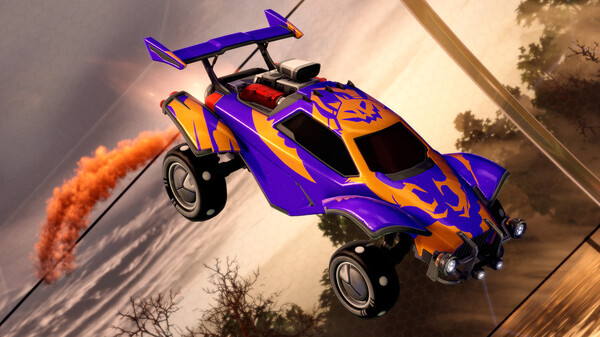
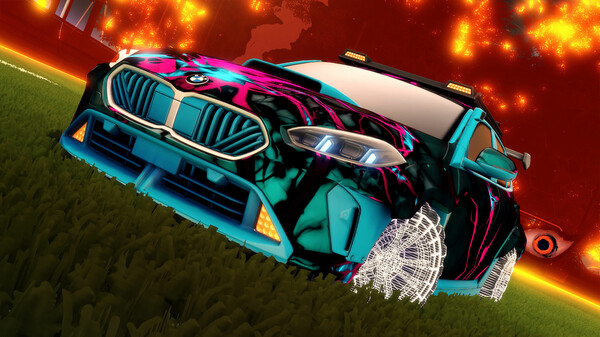
How to Install Rocket League?
- Download: Get the installer only from the official developer or a verified store.
- Run Setup: Double-click the official .exe file and follow the prompts.
- Default Path: Install to the recommended folder to ensure proper system permissions.
- Update: Run the game launcher to download any official security patches.
- Launch: Open the game via the official desktop shortcut.



