Apunkagames Official Site – Games Download For PC ApunKaGames is a best website to download games for PC.
Table of Contents

Take the wheel of legendary supercars and experience classic arcade racing in Test Drive 5, a racing game developed by Pitbull Syndicate and published by Accolade. As the fifth main entry in the long-running Test Drive series, the game builds upon its predecessor with improved visuals, new vehicles, and more challenging racing events.
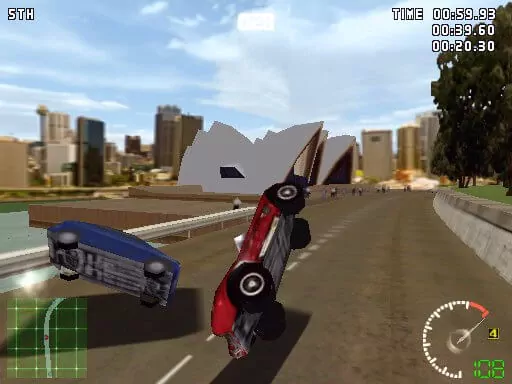
The gameplay focuses on arcade racing, high-speed competition, and exotic sports cars, where players race through a variety of scenic tracks while competing against skilled AI opponents. The game emphasizes speed, aggressive overtaking, and mastering difficult road layouts rather than realistic simulation mechanics.
One of the standout features of Test Drive 5 is its impressive lineup of licensed vehicles. Players can drive iconic sports cars and supercars from famous manufacturers, each featuring distinct acceleration, handling, and top-speed characteristics.
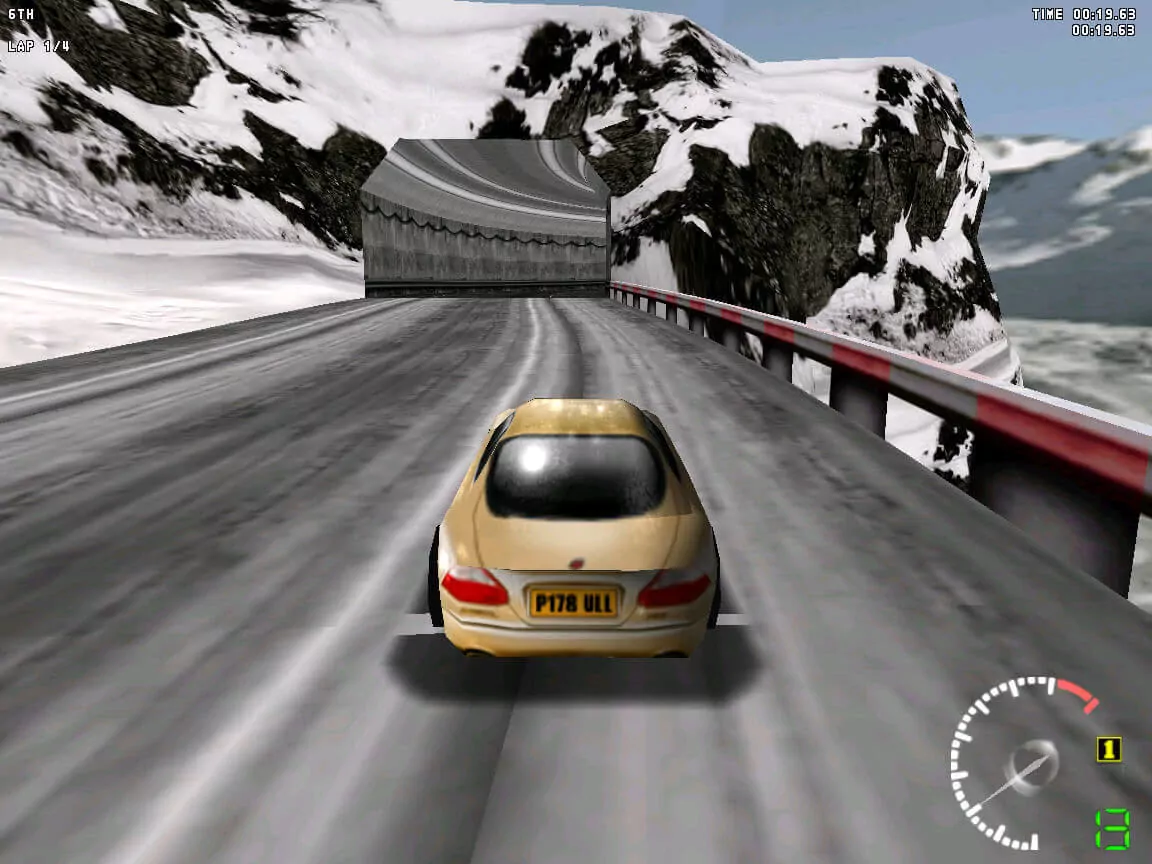
The tracks take players through diverse environments including coastal highways, mountain roads, deserts, forests, and countryside routes. Sharp corners, elevation changes, and oncoming traffic create constant challenges during races.
The game retains the accessible arcade-style handling that made earlier Test Drive titles popular, allowing players to jump into races quickly while still rewarding skillful driving and track knowledge.
A memorable soundtrack featuring rock and alternative music helps create an energetic atmosphere that complements the fast-paced racing action.
With its combination of licensed supercars, exciting arcade gameplay, and varied racing environments, Test Drive 5 remains a nostalgic entry in the classic Test Drive franchise and a favorite among fans of late-1990s racing games.
Before downloading make sure that your PC meets minimum system requirements
Minimum System Requirements
- OS: Windows 7/8/10/11
- Processor: Pentium 90 MHz or equivalent
- Memory: 16 MB RAM
- Graphics: 1 MB SVGA graphics card
- DirectX: Version 5.0
- Storage: 50 MB available space
Screenshots
How to Install Test Drive 5?
- Download: Get the installer only from the official developer or a verified store.
- Run Setup: Double-click the official .exe file and follow the prompts.
- Default Path: Install to the recommended folder to ensure proper system permissions.
- Update: Run the game launcher to download any official security patches.
- Launch: Open the game via the official desktop shortcut.