Apunkagames Official Site – Games Download For PC ApunKaGames is a best website to download games for PC.
Table of Contents
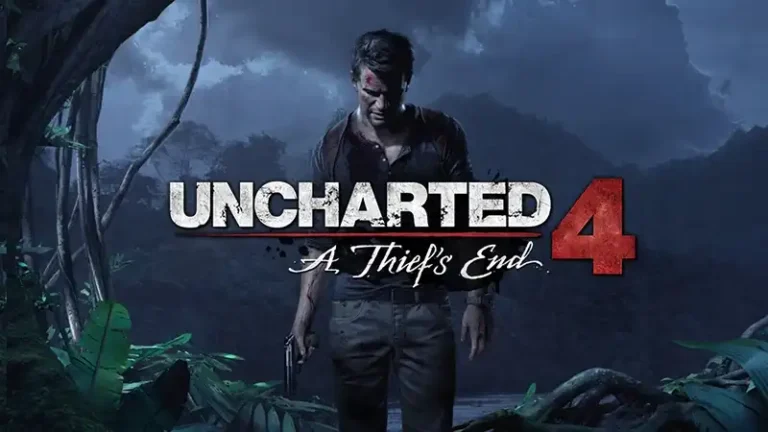
Uncharted 4 A Thief’s End is an action-adventure game developed by Naughty Dog and published by Sony Interactive Entertainment. It is part of the Uncharted series and focuses on cinematic storytelling, treasure hunting, exploration, and action-packed combat.
The story follows legendary treasure hunter Nathan Drake, who has retired from adventuring and settled into a normal life. However, his world changes when his long-lost brother Sam Drake returns and asks for help finding the lost pirate treasure of Captain Henry Avery.
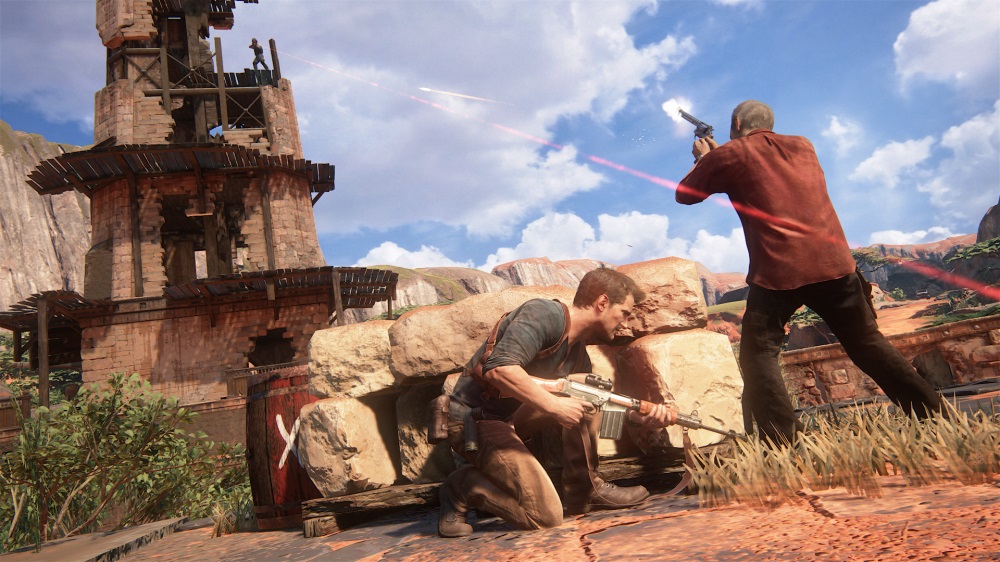
Gameplay combines third-person shooting, climbing, puzzle-solving, stealth, and exploration across exotic locations around the world. Players traverse ruins, cliffs, jungles, cities, and ancient tombs while uncovering hidden clues and battling enemies.
One of the standout features of Uncharted 4: A Thief’s End is its cinematic presentation, blending gameplay and storytelling seamlessly with movie-quality character animation, voice acting, and action sequences.
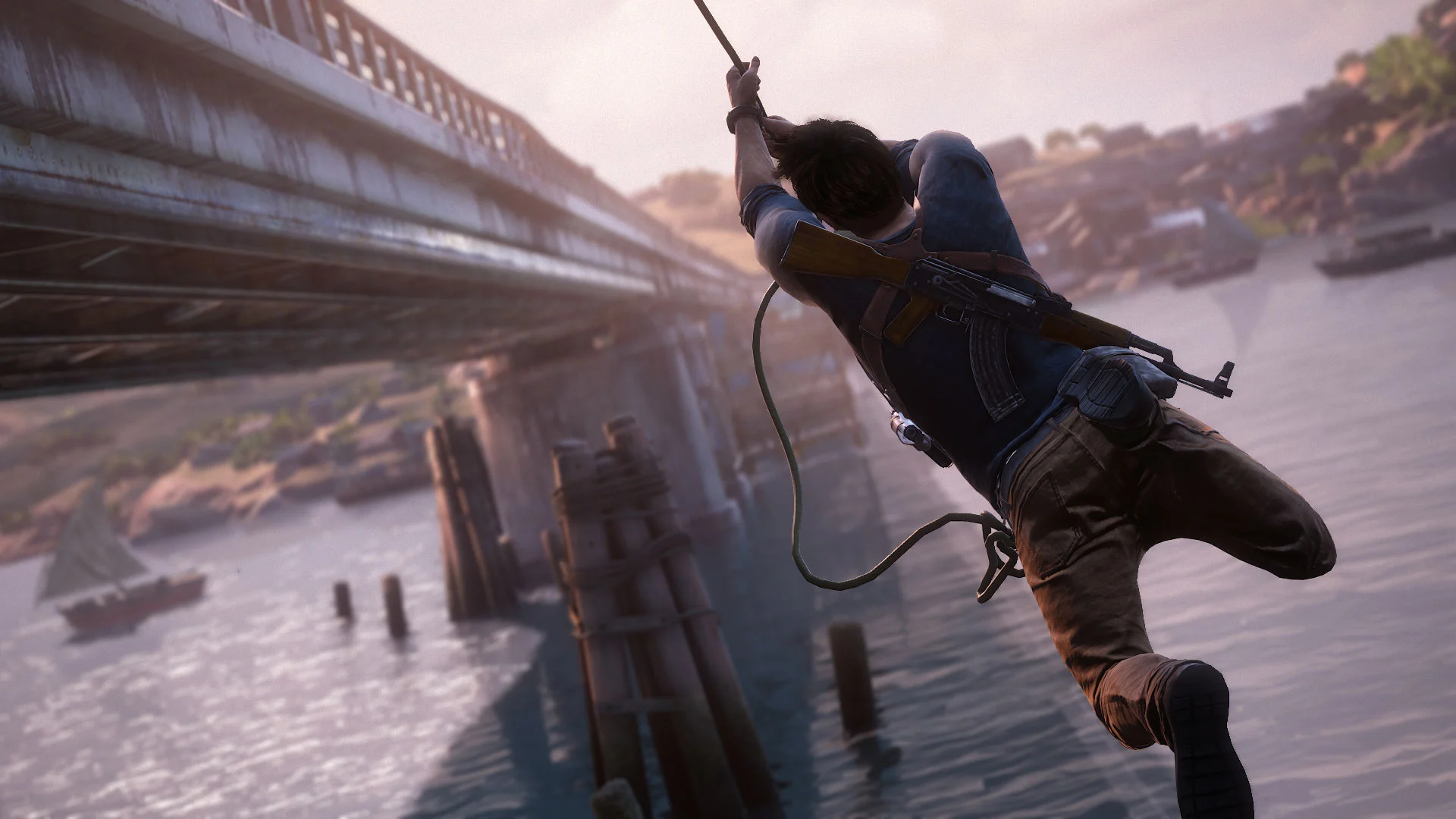
The game also introduces larger semi-open exploration areas, vehicle sections, and a grappling hook system that adds more freedom and dynamic movement during traversal and combat.
Visually, it features highly detailed environments, realistic lighting, facial animation, and cinematic action scenes, making it one of the most visually impressive games of its generation.
If you enjoy story-driven adventures, treasure-hunting narratives, and cinematic action gameplay, Uncharted 4: A Thief’s End is a must-play title and widely considered one of the best action-adventure games ever made.
Before downloading make sure that your PC meets minimum system requirements
Minimum System Requirements
- OS: Windows 10 (64-bit)
- Processor: Intel i5-4430
- Memory: 8 GB RAM
- Graphics: NVIDIA GTX 960 (4 GB)
- DirectX: Version 12
- Storage: 100 GB available space
Screenshots
How to Install Uncharted 4 A Thiefs End?
- Download: Get the installer only from the official developer or a verified store.
- Run Setup: Double-click the official .exe file and follow the prompts.
- Default Path: Install to the recommended folder to ensure proper system permissions.
- Update: Run the game launcher to download any official security patches.
- Launch: Open the game via the official desktop shortcut.