 Apunkagames Official Site – Games Download For PC ApunKaGames is a best website to download games for PC.
Table of Contents
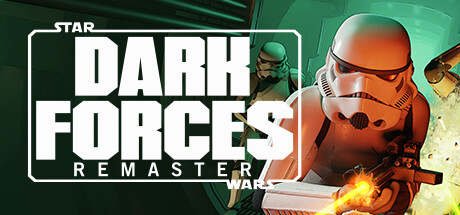
Star Wars Dark Forces Remaster is a remastered first-person shooter developed by Nightdive Studios in collaboration with LucasArts. It is a modern updated version of the classic 1995 game Star Wars: Dark Forces, one of the earliest FPS titles ever set in the Star Wars universe.
The game puts you in the role of Kyle Katarn, a former Imperial agent turned Rebel mercenary, who is recruited by the Rebel Alliance to uncover and stop the Empire’s secret Dark Trooper Project. These experimental battle droids and armored stormtroopers are designed to strengthen Imperial dominance across the galaxy.
Gameplay is classic old-school FPS action, focusing on fast shooting, exploration, puzzle-solving, and maze-like level design. Players navigate detailed Imperial bases, space stations, and secret facilities while fighting stormtroopers, droids, and other Imperial forces using a variety of weapons and items.
One of the standout features of Star Wars: Dark Forces Remaster is its modern visual upgrade, including enhanced lighting, higher resolution textures, improved performance, and support for modern systems while still preserving the original 1995 gameplay feel (Steam Store).
The remaster also stays faithful to the original design philosophy, meaning it keeps the challenging level layouts, retro shooting mechanics, and exploration-heavy progression intact. It is designed for both nostalgic players and newcomers who want to experience a classic Star Wars FPS in a modern form.
If you enjoy retro shooters, Star Wars lore, and challenging mission-based gameplay, Star Wars: Dark Forces Remaster is a must-play title. It delivers a faithful revival of a legendary Star Wars classic with updated visuals and smooth modern performance.
Before downloading make sure that your PC meets minimum system requirements
Minimum System Requirements
- OS: Windows 7 (64-bit required)
- Processor: Intel or AMD Dual-Core at 2.0 GHz
- Memory: 2 GB RAM
- Graphics: GPU with DirectX 11 or Vulkan 1.1 support
- Storage: 420 MB available space
Screenshots
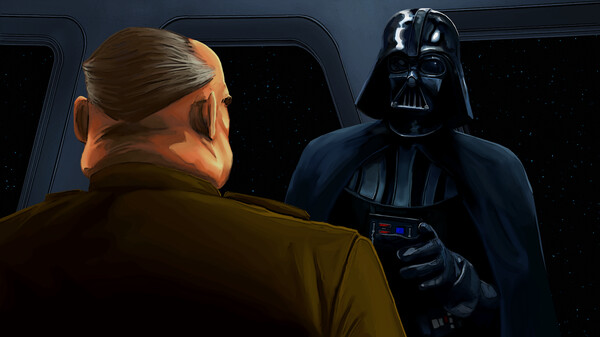
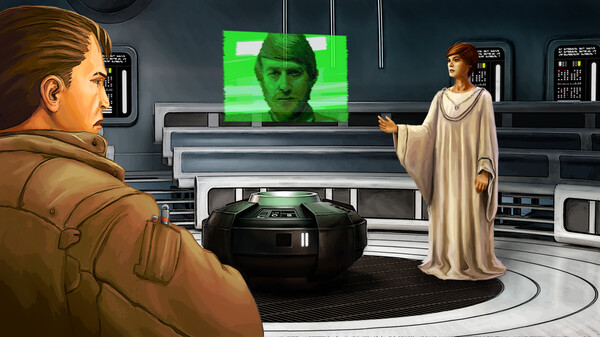
How to Install?
- Download: Get the installer only from the official developer or a verified store.
- Run Setup: Double-click the official .exe file and follow the prompts.
- Default Path: Install to the recommended folder to ensure proper system permissions.
- Update: Run the game launcher to download any official security patches.
- Launch: Open the game via the official desktop shortcut.



