Apunkagames Official Site – Games Download For PC ApunKaGames is a best website to download games for PC.
Table of Contents
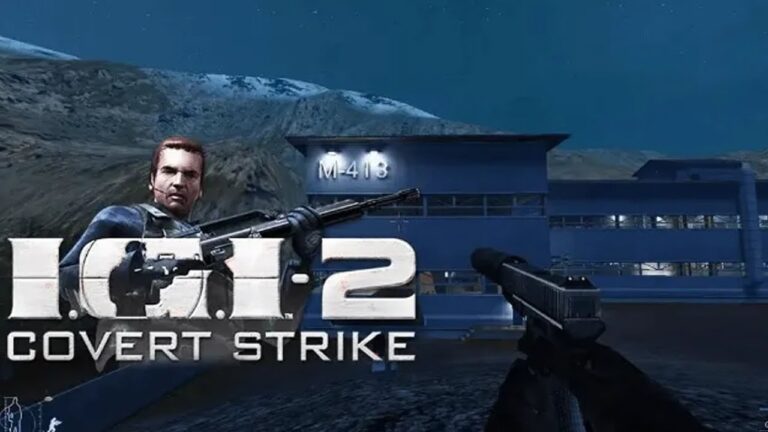
Relive one of the most iconic tactical shooters in PC gaming history with Project IGI 2 Covert Strike, a classic stealth-action FPS developed by Innerloop Studios and published by Codemasters. Known for its realistic mission design and open-ended gameplay, this title puts you in the role of a highly trained special operative completing dangerous covert missions behind enemy lines.
The gameplay focuses on stealth, strategy, and tactical combat, where rushing in is rarely an option. You are encouraged to plan your approach carefully, use silencers, avoid detection, and eliminate targets with precision. Every mission features large open maps, giving you multiple ways to infiltrate bases, sabotage enemy systems, and complete objectives.
One of the standout features of Project IGI 2 is its realistic approach to combat. Ammo management, enemy AI behavior, and mission planning all play a major role in success. The game rewards patience, observation, and smart decision-making instead of mindless shooting, making it a true tactical experience for PC gamers.
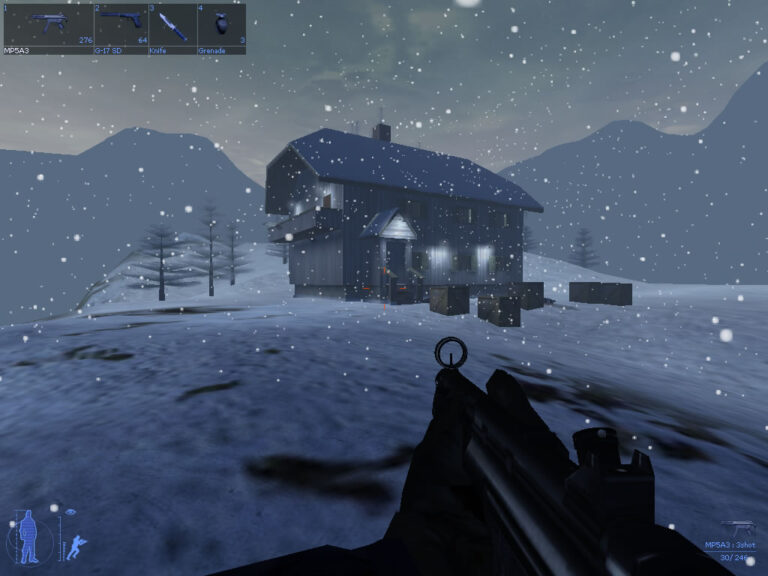
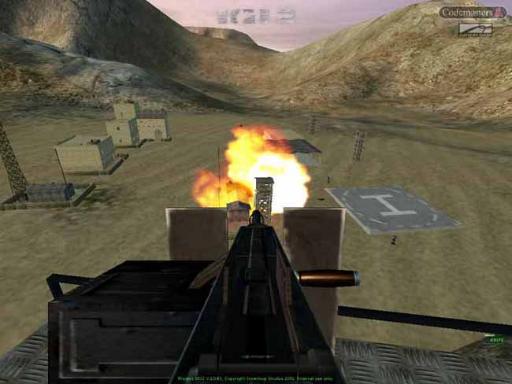
The environments range from snowy military bases and desert outposts to heavily guarded facilities, each designed with multiple entry points and tactical opportunities. The game also features sniper missions, stealth infiltration, and high-intensity firefights that keep gameplay varied and engaging.
With its combination of realistic stealth mechanics, large-scale mission design, and tactical gameplay, Project IGI 2 remains a cult classic among FPS fans. If you enjoy old-school military shooters with freedom of approach and challenging missions, this game is still worth playing on PC today.
Before downloading make sure that your PC meets minimum system requirements
Minimum System Requirements
- OS: Windows 98/ME/2000/XP
- Processor: Pentium III 700 MHz or equivalent
- Memory: 128 MB RAM
- Graphics: 32 MB Direct3D-compatible video card
- DirectX: Version 8.1
- Sound: DirectX-compatible sound card
- Storage: 1.9 GB
Screenshots
How to Install Project IGI 2?
- Download: Get the installer only from the official developer or a verified store.
- Run Setup: Double-click the official .exe file and follow the prompts.
- Default Path: Install to the recommended folder to ensure proper system permissions.
- Update: Run the game launcher to download any official security patches.
- Launch: Open the game via the official desktop shortcut.