 Apunkagames Official Site – Games Download For PC ApunKaGames is a best website to download games for PC.
Table of Contents
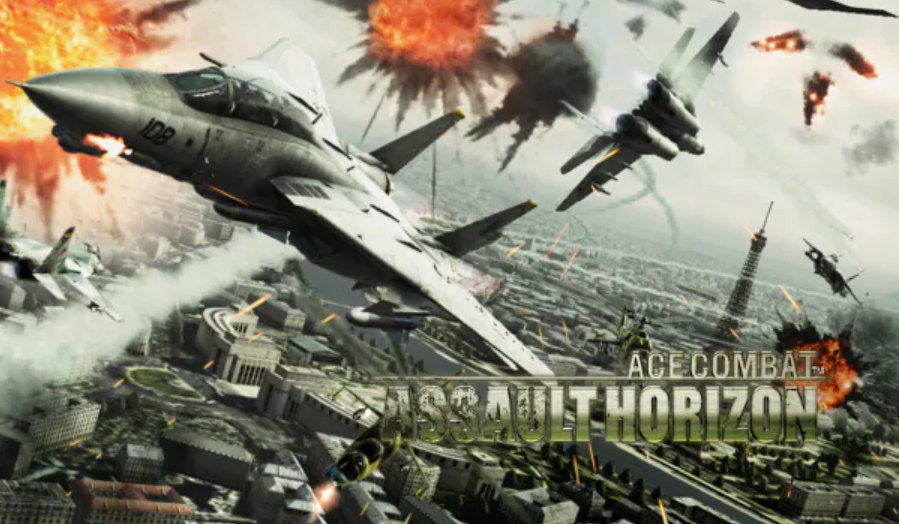
Ace Combat Assault Horizon is a combat flight action game developed by Project Aces and published by Bandai Namco Entertainment. It is part of the Ace Combat series and shifts the series toward a more cinematic, close-range, action-heavy aerial combat style.
The story follows multiple military pilots during a global conflict involving escalating warfare between major powers and insurgent threats. Players experience different perspectives across missions, including fighter jets, helicopters, and ground attack sequences.
Gameplay focuses on fast-paced aerial combat with a stronger emphasis on close-range dogfighting and cinematic action moments compared to earlier Ace Combat titles. Players engage in missile combat, air-to-air duels, and ground attack missions across large-scale battlefields.
One of the standout features of Ace Combat: Assault Horizon is the “Dogfight Mode”, which automatically closes distance between enemy aircraft and triggers cinematic close-quarters aerial combat sequences, making battles feel more intense and action-focused.
The game also introduces varied mission types, including attack helicopter missions, gunship sequences, and bomber operations, expanding gameplay beyond traditional jet combat.
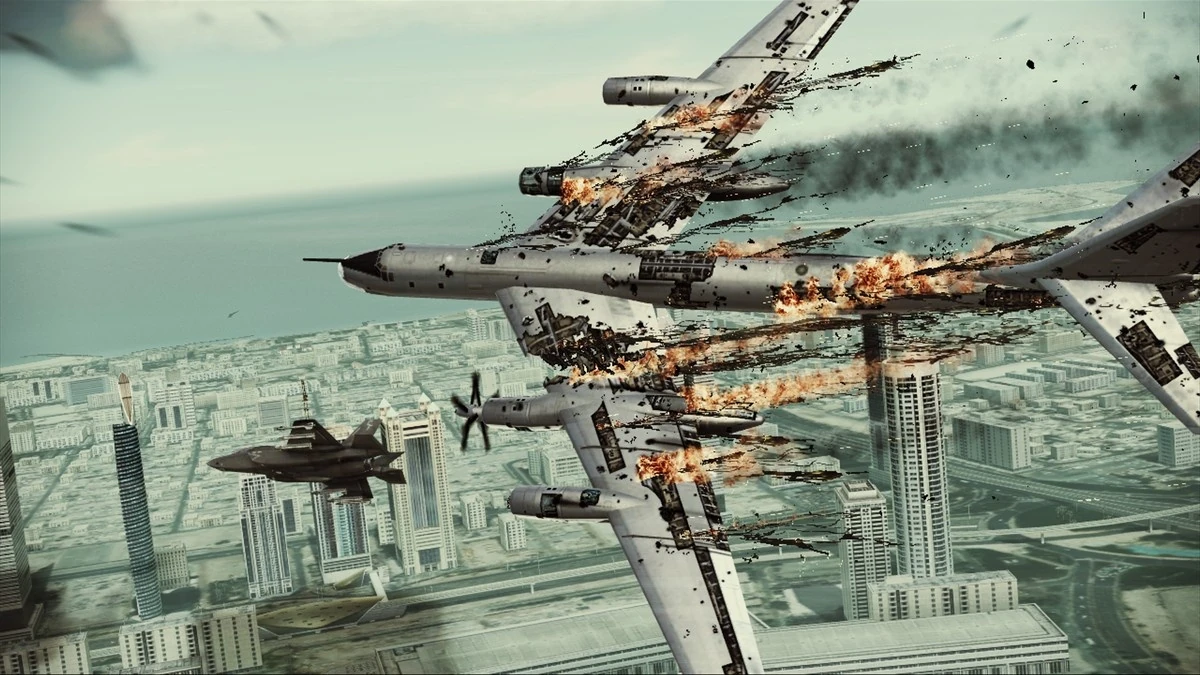
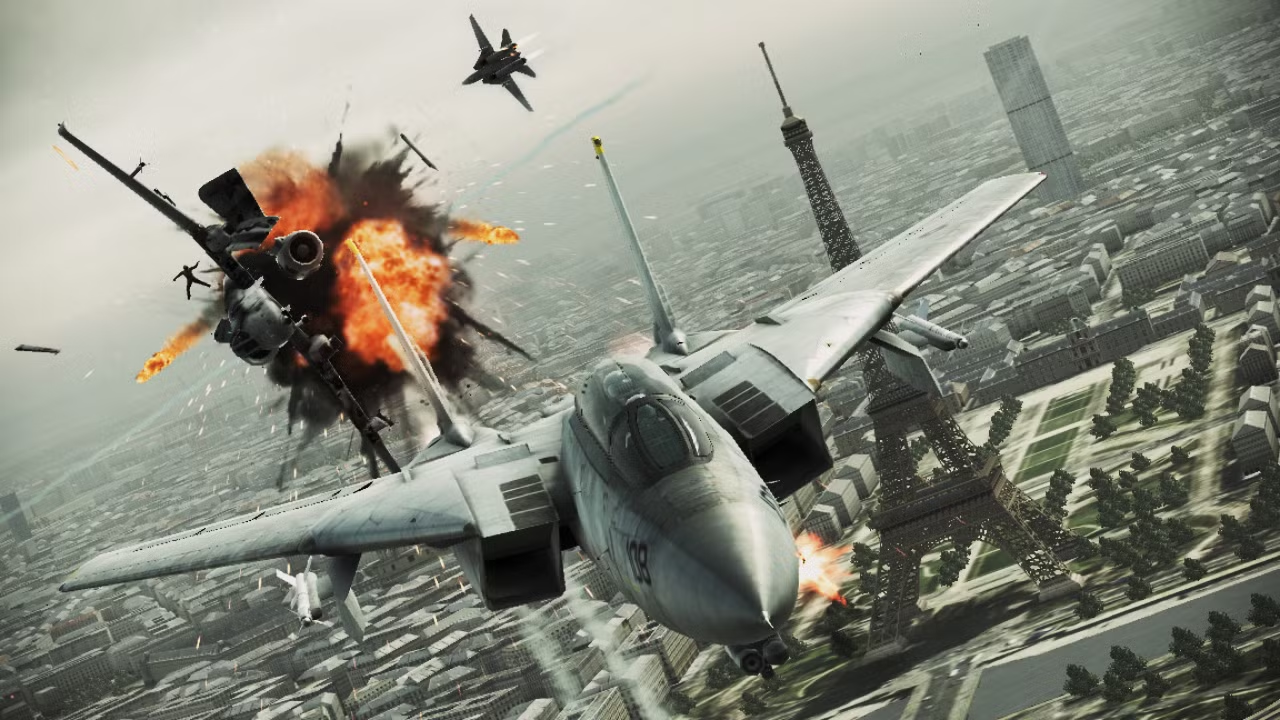
Visually, it features detailed aircraft models, destructible environments, cinematic camera angles, and large-scale war zones, designed to emphasize spectacle and intensity.
If you enjoy arcade-style flight combat, cinematic aerial battles, and fast-paced military action, Ace Combat: Assault Horizon offers a more aggressive and movie-like take on the Ace Combat formula.
Before downloading make sure that your PC meets minimum system requirements
Minimum System Requirements
- OS: Windows XP / 7 / 8 / 10
- Processor: Intel Core 2 Duo 1.8 GHz
- Memory: 2 GB RAM
- Graphics: NVIDIA GeForce 8800GT
- DirectX: Version 9.0c
- Storage: 16 GB
Screenshots
How to Install ?
- Download: Get the installer only from the official developer or a verified store.
- Run Setup: Double-click the official .exe file and follow the prompts.
- Default Path: Install to the recommended folder to ensure proper system permissions.
- Update: Run the game launcher to download any official security patches.
- Launch: Open the game via the official desktop shortcut.



