 Apunkagames Official Site – Games Download For PC ApunKaGames is a best website to download games for PC.
Table of Contents
Cause harmless chaos in a quiet town in Untitled Goose Game, a stealth puzzle sandbox game developed by House House and published by Panic. You play as a mischievous goose whose only goal is to annoy everyone in sight and complete a list of silly objectives.
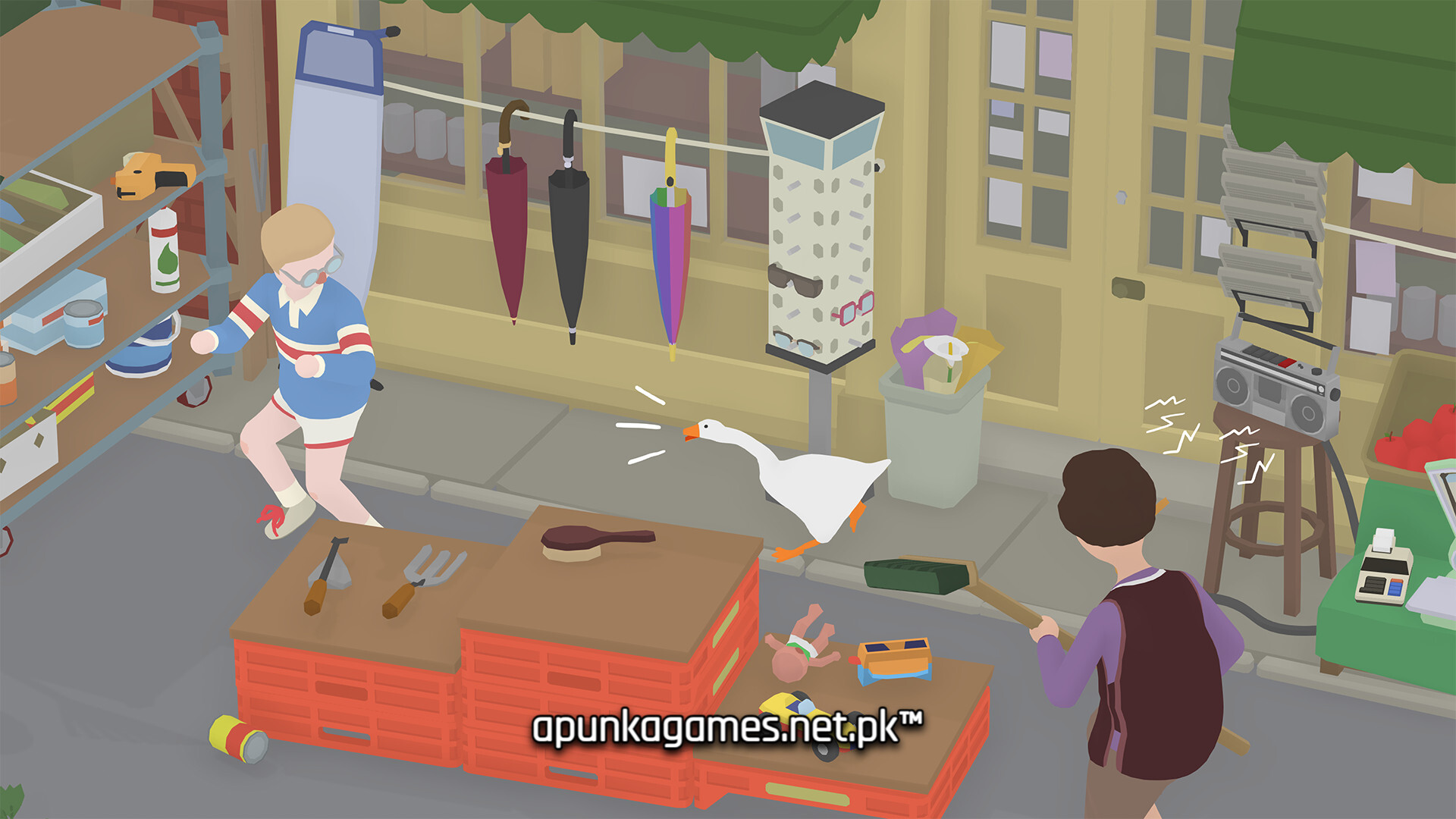
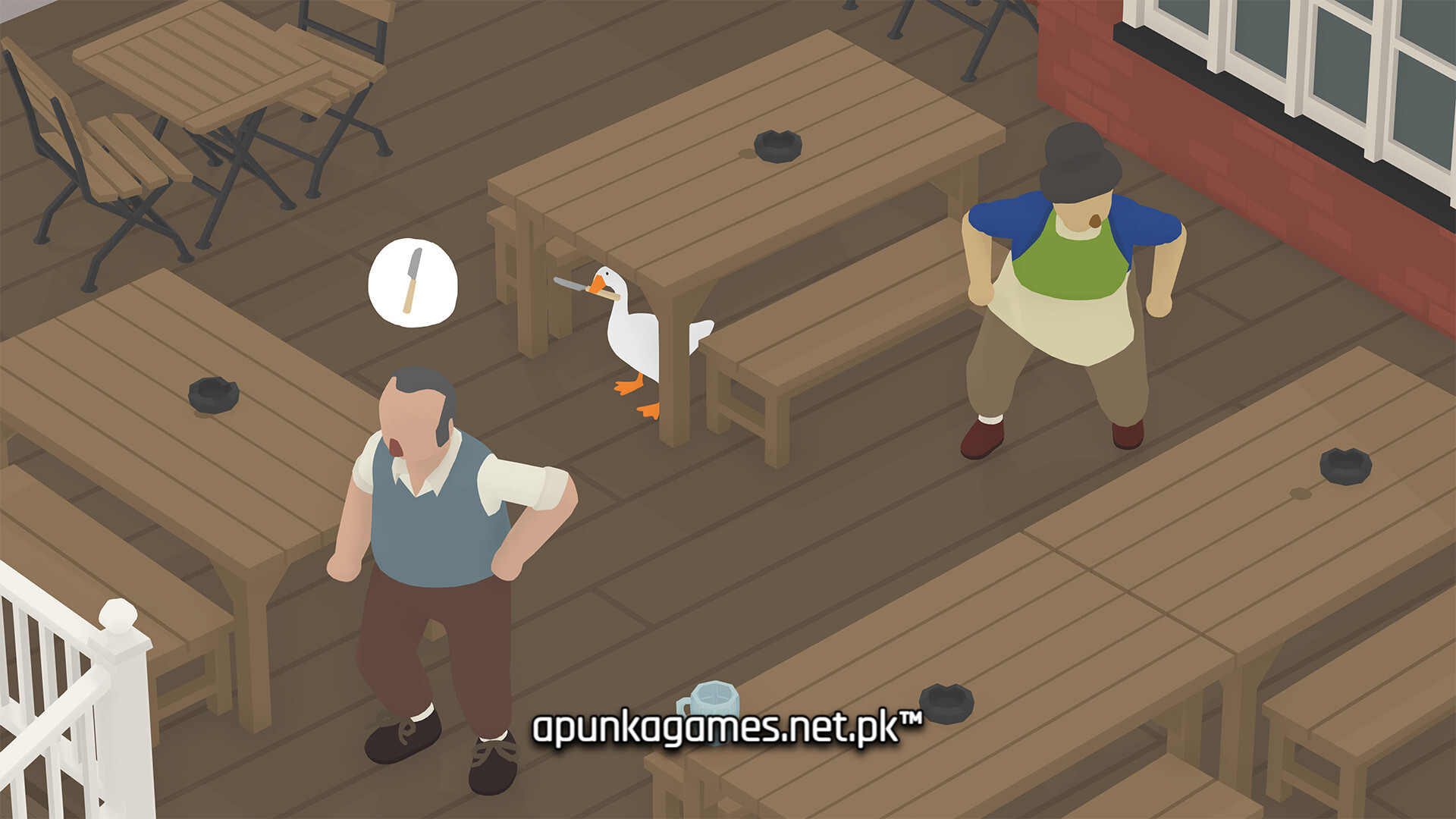
The gameplay focuses on stealth, puzzle-solving, sandbox exploration, and comedic interaction, where players sneak around a peaceful village, steal objects, honk at people, and create chaos without getting caught.
One of the standout features of Untitled Goose Game is its objective-based “to-do list” system. Each area gives players tasks like stealing keys, trapping villagers, ruining picnics, or making people fall over, encouraging creative and playful problem-solving.
Stealth mechanics are simple but effective. Players must hide, distract NPCs, and use environmental objects to avoid detection while completing their mischievous goals. Timing and observation are key to success.
The game’s world is divided into small interconnected areas such as gardens, shops, parks, and village streets, each filled with interactive objects and unaware humans reacting dynamically to the goose’s behavior.
The sound design plays a big role, especially the iconic honk, which becomes both a tool of chaos and a comedic highlight throughout gameplay.
With its combination of stealth puzzle mechanics, open-ended objectives, and lighthearted humor, Untitled Goose Game delivers a unique and charming experience focused entirely on being the most annoying goose possible.
Before downloading make sure that your PC meets minimum system requirements
Minimum System Requirements
- OS: Windows 7 SP1 64-Bit
- DirectX: Version 10
- Storage: 830 MB available space
Screenshots
How to Install Untitled Goose Game?
- Download: Get the installer only from the official developer or a verified store.
- Run Setup: Double-click the official .exe file and follow the prompts.
- Default Path: Install to the recommended folder to ensure proper system permissions.
- Update: Run the game launcher to download any official security patches.
- Launch: Open the game via the official desktop shortcut.



