Apunkagames Official Site – Games Download For PC ApunKaGames is a best website to download games for PC.
Table of Contents
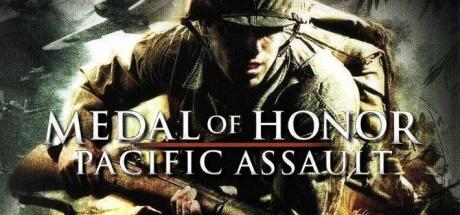
Medal of Honor Pacific Assault is a World War II first-person shooter developed by EA Los Angeles and published by Electronic Arts. It is part of the Medal of Honor series and focuses on the Pacific Theater of World War II, highlighting battles between American and Japanese forces.
The story follows Private Tommy Conlin, a U.S. Marine, as he fights through major Pacific War campaigns after surviving the attack on Pearl Harbor. The campaign takes players through jungle warfare, island assaults, and brutal frontline battles across the Pacific.
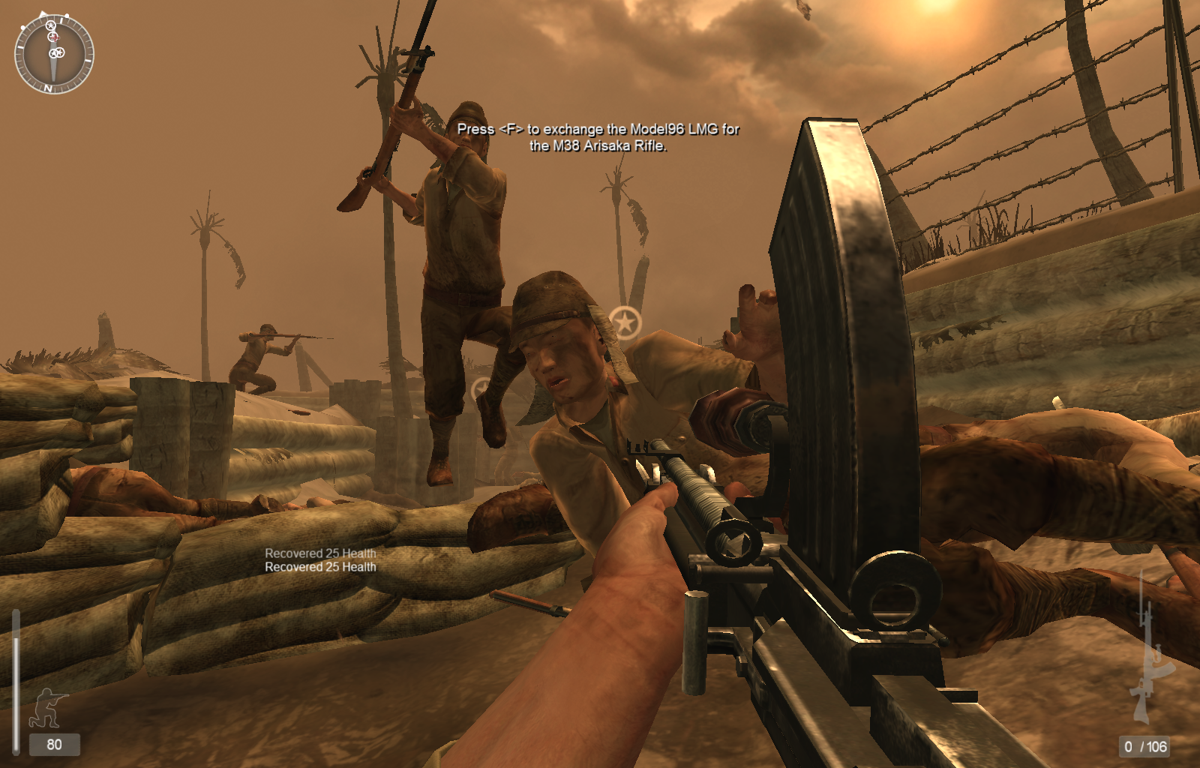
Gameplay emphasizes squad-based first-person combat, where players fight alongside fellow Marines in large-scale battles. Missions include beach landings, jungle ambushes, defensive operations, and assaults on fortified enemy positions.
One of the standout features of Medal of Honor: Pacific Assault is its focus on the Pacific front, which was less commonly explored in WWII shooters at the time compared to European campaigns.
The game also includes AI squad interaction systems, allowing teammates to assist in combat, provide covering fire, and react dynamically during firefights.
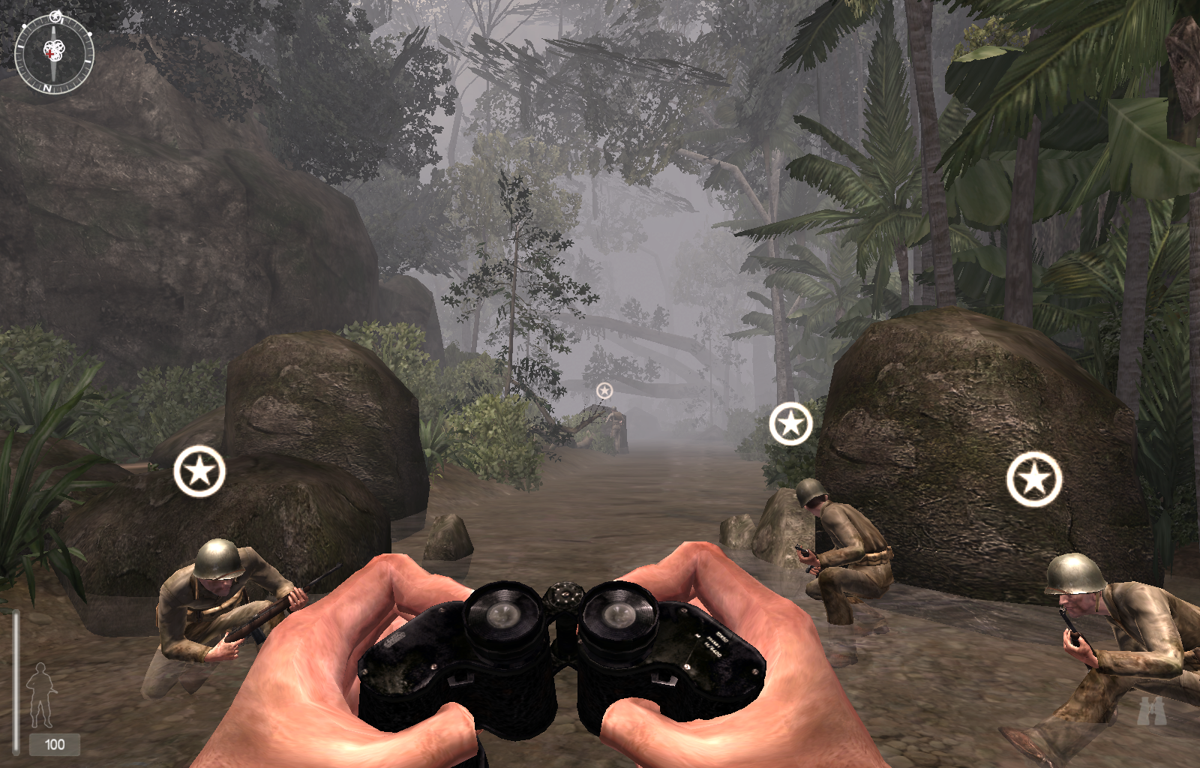
Visually, it features dense tropical jungles, naval battles, and cinematic war environments, creating an immersive atmosphere inspired by WWII war films.
If you enjoy World War II shooters, Pacific War settings, and cinematic military campaigns, Medal of Honor: Pacific Assault is a memorable entry in the series with strong atmosphere and intense battlefield action.
Before downloading make sure that your PC meets minimum system requirements
Minimum System Requirements
- OS: Windows XP / Windows Vista / Windows 7
- Processor: 1.5 GHz Intel Pentium 4
- Memory: 512 MB RAM
- Graphics: NVIDIA GeForce 3 or ATI Radeon 8500
- DirectX: Version 8.1
- Storage: 3 GB available space
Screenshots
How to Install Medal of Honor Pacific Assault?
- Download: Get the installer only from the official developer or a verified store.
- Run Setup: Double-click the official .exe file and follow the prompts.
- Default Path: Install to the recommended folder to ensure proper system permissions.
- Update: Run the game launcher to download any official security patches.
- Launch: Open the game via the official desktop shortcut.