Apunkagames Official Site – Games Download For PC ApunKaGames is a best website to download games for PC.
Table of Contents

Jump Force is a 3D anime crossover fighting game developed by Spike Chunsoft and published by Bandai Namco Entertainment. The game brings together legendary characters from popular Shonen Jump anime and manga series into one massive action-packed fighting experience.
The story revolves around a mysterious threat causing the real world and anime worlds to merge together. Heroes and villains from famous series such as Dragon Ball, Naruto, One Piece, Bleach, and many others must unite to stop powerful enemies threatening both realities.
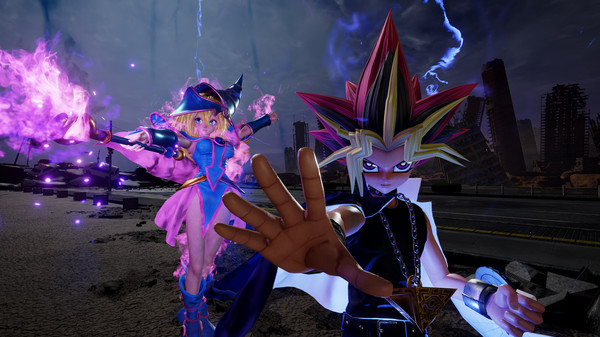
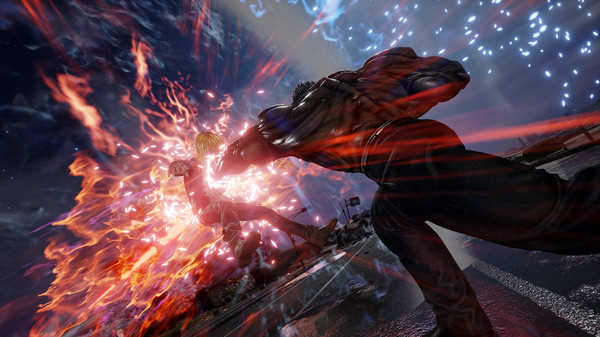
Gameplay focuses on fast-paced 3D arena combat, cinematic special attacks, and team-based battles. Players choose teams of three fighters and switch between characters during combat to create combos and strategic attack combinations. Battles are flashy, explosive, and inspired directly by anime action scenes.
One of the standout features of Jump Force is its massive crossover roster, featuring iconic characters such as Goku, Naruto Uzumaki, Monkey D. Luffy, Ichigo Kurosaki, Vegeta, Sasuke Uchiha, and many more. Each fighter has signature moves, awakenings, and ultimate attacks faithful to their original anime series.
The game also includes a custom character creator, allowing players to design their own fighter using abilities and costumes inspired by multiple anime franchises. Online multiplayer modes and ranked battles add replay value for competitive players.
Visually, the game uses realistic environments mixed with anime-style effects, creating cinematic battles with detailed character models and powerful visual attacks.
If you enjoy anime fighting games, crossover battles, and fast-paced multiplayer action, Jump Force is a must-play title. Download it for PC and experience epic battles between some of the most legendary anime characters ever created.
Before downloading make sure that your PC meets minimum system requirements
Minimum System Requirements
- OS: Windows 7/8/10 (64-bit)
- Processor: Intel Core i5-2300, 2.80 GHz
- Memory: 4 GB RAM
- Graphics: GeForce GTX 660 Ti, 3 GB
- DirectX: Version 11
- Storage: 17 GB available space
Screenshots
How to Install Jump Force?
- Download: Get the installer only from the official developer or a verified store.
- Run Setup: Double-click the official .exe file and follow the prompts.
- Default Path: Install to the recommended folder to ensure proper system permissions.
- Update: Run the game launcher to download any official security patches.
- Launch: Open the game via the official desktop shortcut.