Apunkagames Official Site – Games Download For PC ApunKaGames is a best website to download games for PC.
Table of Contents
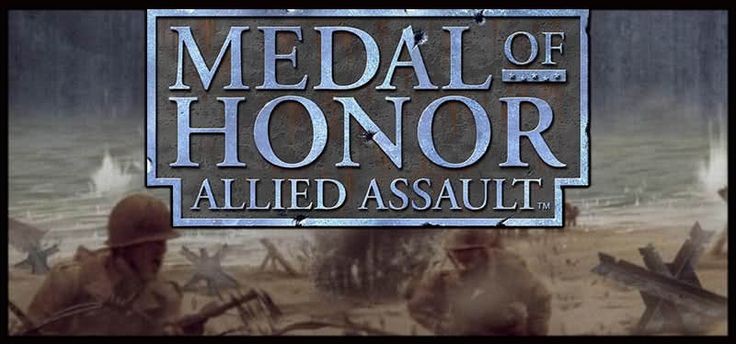
Medal of Honor Allied Assault is a World War II first-person shooter developed by 2015, Inc. and published by Electronic Arts. It is one of the most influential early entries in the Medal of Honor series and helped define WWII shooters on PC.
The game puts players in the role of a U.S. Army Ranger, primarily Lt. Mike Powell, as he carries out dangerous missions across key World War II battlefronts in Europe and North Africa. Missions include sabotage operations, beach assaults, and infiltration behind enemy lines.
Gameplay focuses on classic first-person shooting with tactical pacing, where players rely on cover, positioning, and careful movement rather than fast arcade-style combat. The missions are linear but highly cinematic for their time.
One of the standout features of Medal of Honor: Allied Assault is its iconic D-Day Omaha Beach mission, widely regarded as one of the most memorable and intense opening sequences in FPS history.
The game also emphasizes scripted cinematic events, enemy AI squad behavior, and immersive battlefield presentation, which helped set a standard for later military shooters.
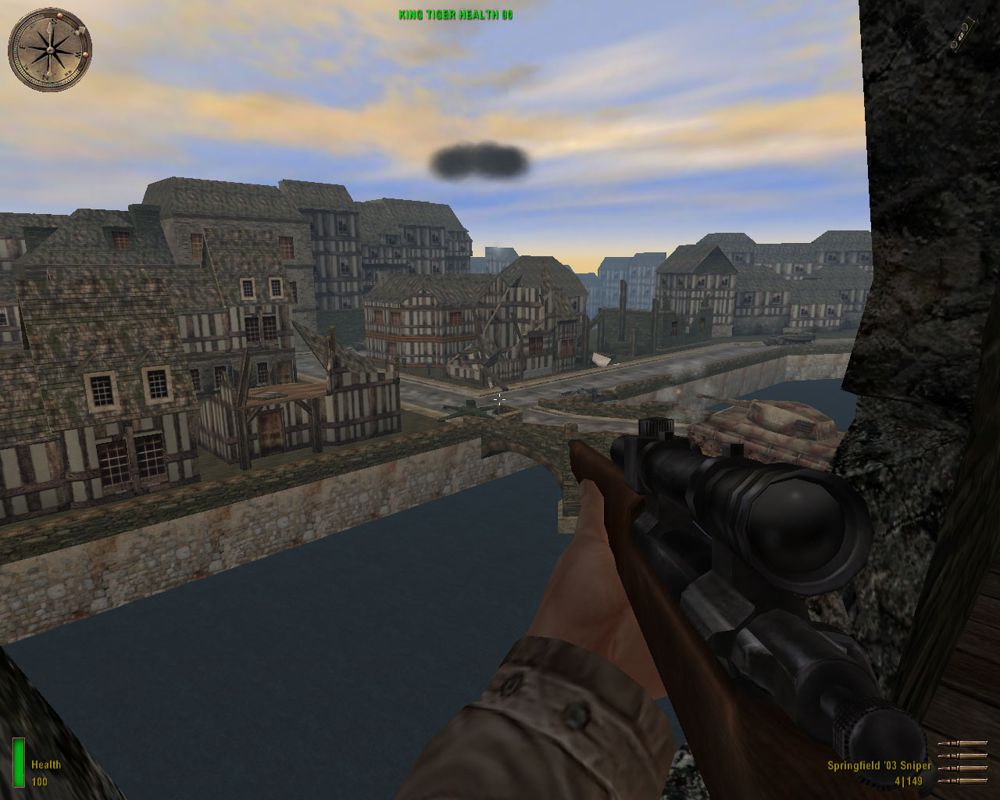
Visually, it features realistic WWII environments, trench warfare settings, and authentic weapon design for its era, creating a strong sense of historical immersion.
If you enjoy classic FPS games, World War II campaigns, and cinematic military action, Medal of Honor: Allied Assault is a landmark title that shaped the modern war shooter genre.
Before downloading make sure that your PC meets minimum system requirements
Minimum System Requirements
- OS: Windows 98/ME/2000/XP
- Processor: Intel Pentium III 450 MHz
- RAM: 128 MB
- Graphics: 16 MB DirectX 8.0 compatible video card
- DirectX: Version 8.0
- Sound Card: DirectX compatible
- Hard Drive: 1.2 GB free disk space
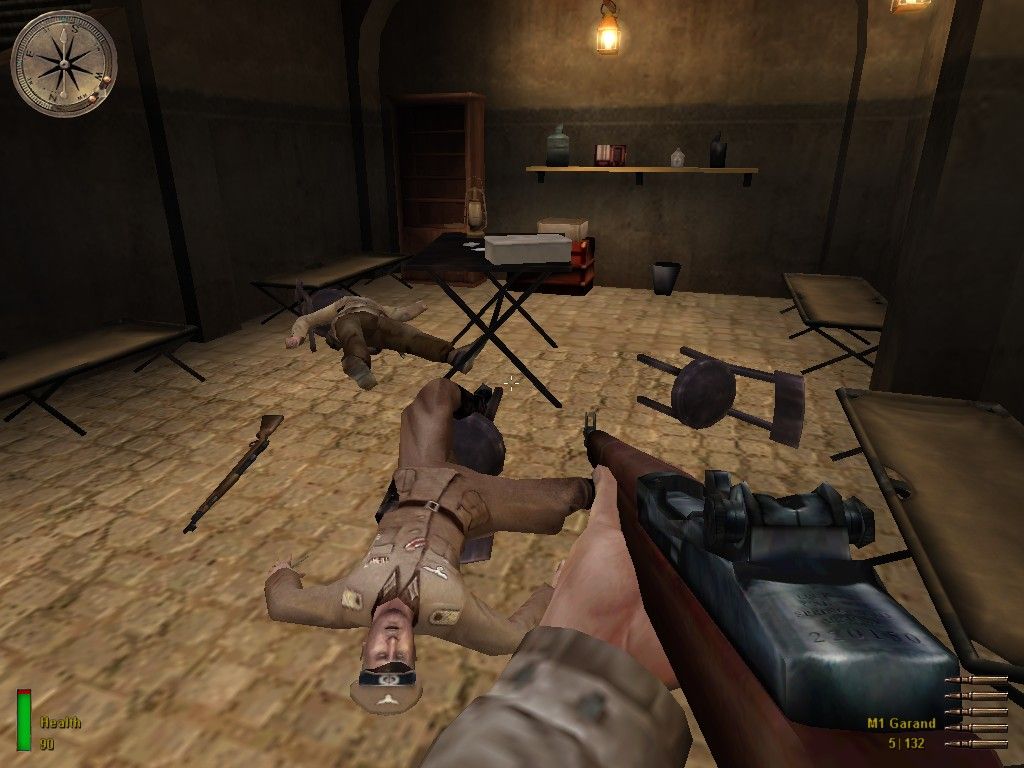
Screenshots
How to Install?
- Download: Get the installer only from the official developer or a verified store.
- Run Setup: Double-click the official .exe file and follow the prompts.
- Default Path: Install to the recommended folder to ensure proper system permissions.
- Update: Run the game launcher to download any official security patches.
- Launch: Open the game via the official desktop shortcut.