 Apunkagames Official Site – Games Download For PC ApunKaGames is a best website to download games for PC.
Table of Contents
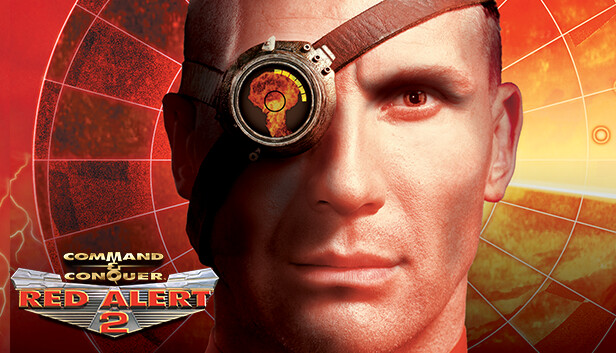
Lead the world into an alternate Cold War conflict in Command And Conquer Red Alert 2, a real-time strategy game developed by Westwood Studios and published by Electronic Arts. Set in a timeline where Albert Einstein erased Hitler from history, the game follows a massive global war between the Allied Forces and the Soviet Union.
The gameplay focuses on real-time strategy, base building, resource management, and large-scale tactical warfare, where players construct bases, gather resources, and command armies in fast-paced battles across land, sea, and air.
One of the standout features of Red Alert 2 is its two distinct factions. The Allies focus on advanced technology, mobility, and precision attacks, while the Soviets rely on brute force, heavy armor, and overwhelming firepower.
Combat includes a wide range of units such as tanks, infantry, aircraft, naval fleets, and superweapons. Each side has unique abilities like Chronosphere teleportation for Allies and nuclear missile strikes for Soviets.
The game features a fully voiced campaign with cinematic mission briefings, giving each battle a strong narrative feel as players progress through the global conflict.
Maps span diverse environments including cities, islands, snowy regions, and military zones, requiring different strategies depending on terrain and enemy positioning.
With its combination of fast-paced RTS gameplay, iconic factions, and memorable story-driven missions, Command & Conquer: Red Alert 2 remains one of the most beloved real-time strategy games ever created.
Before downloading make sure that your PC meets minimum system requirements
Minimum System Requirements
- OS: Windows 95/98/ME/2000/XP
- Processor: Pentium II 266 MHz or equivalent
- RAM: 64 MB
- Graphics: 2 MB video card with DirectX 7.0
- Sound: DirectX 7.0 compatible sound card
- Storage: 450 MB free hard drive space
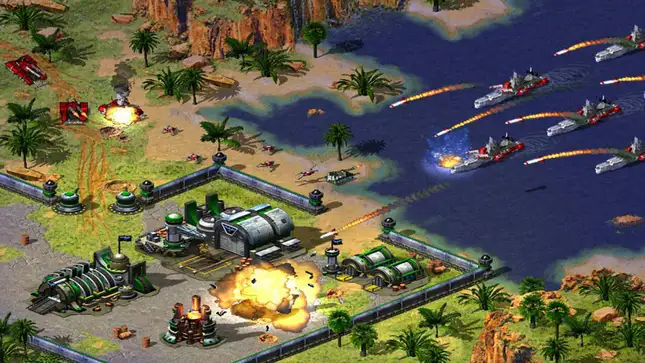
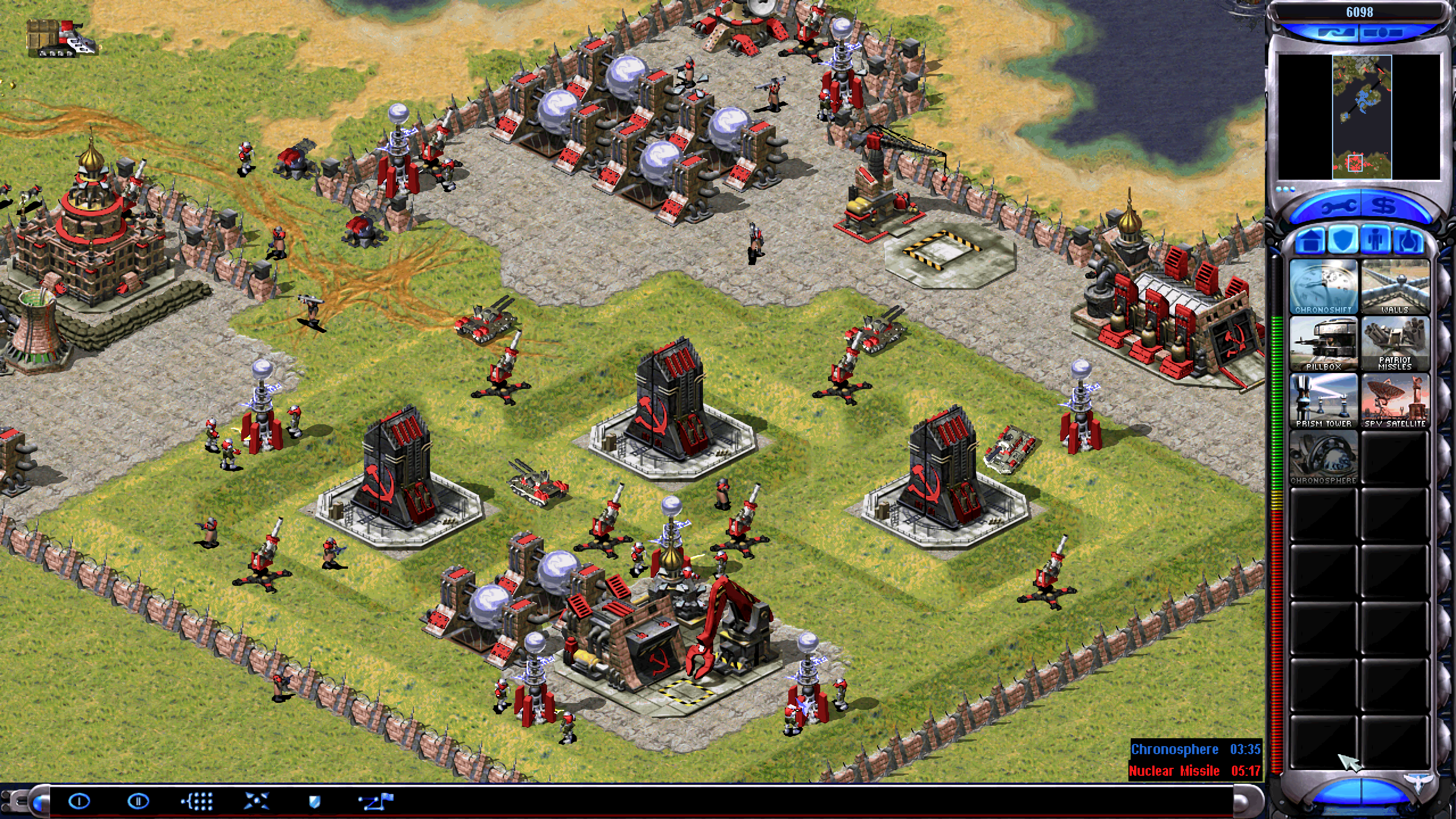
Screenshots
How to Install?
- Download: Get the installer only from the official developer or a verified store.
- Run Setup: Double-click the official .exe file and follow the prompts.
- Default Path: Install to the recommended folder to ensure proper system permissions.
- Update: Run the game launcher to download any official security patches.
- Launch: Open the game via the official desktop shortcut.



