 Apunkagames Official Site – Games Download For PC ApunKaGames is a best website to download games for PC.
Table of Contents

Experience the intensity of World War II tactics in Company of Heroes, a real-time strategy game developed by Relic Entertainment and published by THQ. Set during the Allied invasion of Normandy, the game focuses on small-unit tactics, battlefield control, and dynamic combat rather than traditional base-heavy RTS gameplay.
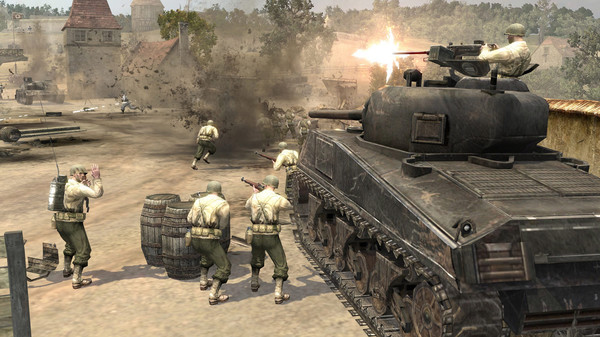
The gameplay centers on real-time strategy, squad-based combat, and territory control, where players command infantry squads, vehicles, and support units across destructible battlefields. Victory depends on positioning, cover usage, flanking maneuvers, and smart resource management.
One of the standout features of Company of Heroes is its cover system. Infantry units automatically take cover behind walls, sandbags, and terrain, which significantly affects combat effectiveness and encourages tactical positioning during firefights.
The game also uses a territory control system instead of traditional resource gathering. Players capture strategic points on the map to generate manpower, munitions, and fuel, which are essential for producing units and upgrading forces.
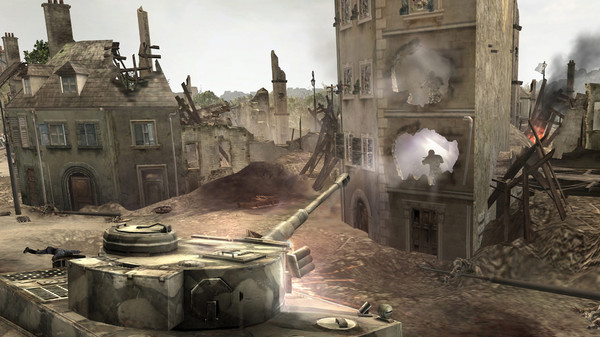
Combat is highly dynamic and often chaotic, with tanks, artillery, and infantry engaging in large-scale battles. Environmental destruction plays a key role, as buildings and cover can be destroyed, constantly changing the battlefield.
Each faction offers different strategies, with unique units and abilities that influence playstyle. The American forces focus on flexibility, while the Wehrmacht emphasizes defensive strength and powerful late-game units.
With its combination of tactical squad combat, dynamic battlefield systems, and strategic resource control, Company of Heroes remains one of the most influential and critically acclaimed real-time strategy games of all time.
Before downloading make sure that your PC meets minimum system requirements
Minimum System Requirements
- OS: Windows XP or Vista
- Processor: 2.0 Ghz Intel Pentium IV
- Memory: 512 MB RAM
- Graphics: DirectX 9.0c compatible 64MB video card
- Storage: 1 GB available space
Screenshots
How to Install Company of Heroes 1?
- Download: Get the installer only from the official developer or a verified store.
- Run Setup: Double-click the official .exe file and follow the prompts.
- Default Path: Install to the recommended folder to ensure proper system permissions.
- Update: Run the game launcher to download any official security patches.
- Launch: Open the game via the official desktop shortcut.



