 Apunkagames Official Site – Games Download For PC ApunKaGames is a best website to download games for PC.
Table of Contents
Doom 3 BFG Edition is a science fiction horror first-person shooter developed by id Software and published by Bethesda Softworks. It is an enhanced edition of Doom 3, featuring upgraded visuals, gameplay improvements, and additional content from the Doom series.
The story takes place at the Union Aerospace Corporation (UAC) research facility on Mars, where secret teleportation experiments accidentally open a portal to Hell. Players control a space marine who must survive the demonic invasion and stop the spread of Hell across the facility.
Gameplay focuses on first-person shooting, survival horror, exploration, and atmospheric combat. Compared to earlier DOOM games, Doom 3 emphasizes darker environments, slower pacing, jump scares, and horror-focused tension.
One of the standout features of Doom 3: BFG Edition is its enhanced version of the original game, which includes improved lighting, updated checkpoint systems, refined controls, and the ability to use a flashlight alongside weapons.
The BFG Edition also includes the expansion Resurrection of Evil and an additional campaign called The Lost Mission, adding more story content and gameplay.
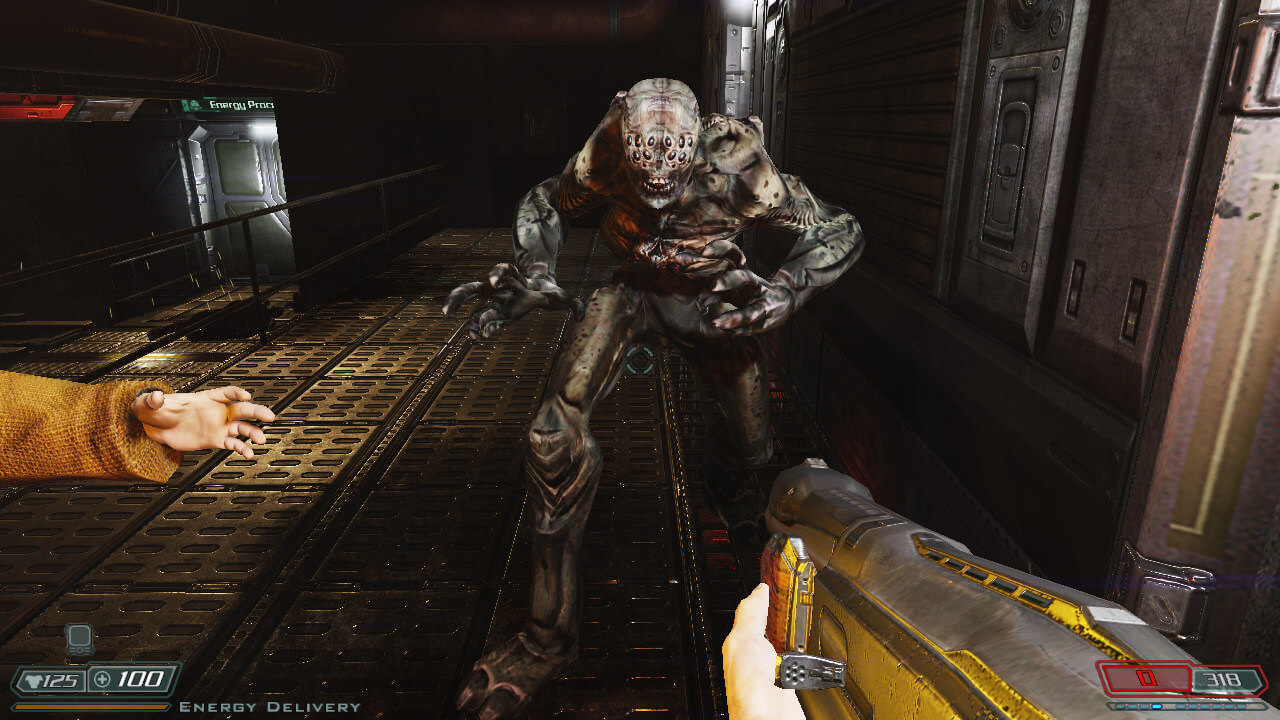
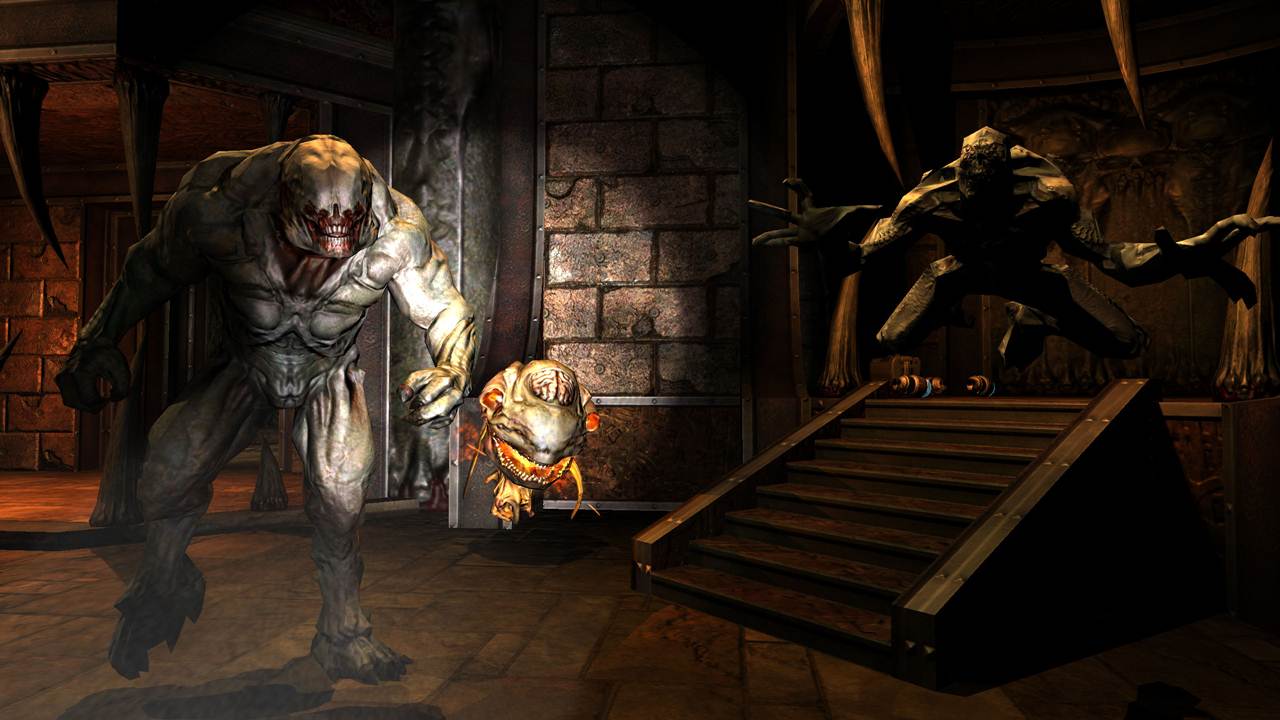
Combat features classic DOOM weapons such as shotguns, plasma rifles, rocket launchers, and the powerful BFG 9000, used against demons ranging from zombies and imps to giant Hell creatures.
Visually, it features dark industrial corridors, detailed sci-fi environments, dynamic lighting, and horror-inspired creature designs, creating a tense and immersive atmosphere.
If you enjoy horror-focused shooters, sci-fi survival gameplay, and atmospheric action, Doom 3: BFG Edition offers a darker and more cinematic take on the DOOM franchise.
Before downloading make sure that your PC meets minimum system requirements
Minimum System Requirements
- OS: Windows 7/8/10/11
- Processor: 2.0 GHz dual core
- Memory: 3 GB RAM
- Graphics Card: NVIDIA GeForce 9800 GT
- DirectX: Version 9.0c
- Storage: 11 GB available space
Screenshots
How to Install?
- Download: Get the installer only from the official developer or a verified store.
- Run Setup: Double-click the official .exe file and follow the prompts.
- Default Path: Install to the recommended folder to ensure proper system permissions.
- Update: Run the game launcher to download any official security patches.
- Launch: Open the game via the official desktop shortcut.



