 Apunkagames Official Site – Games Download For PC ApunKaGames is a best website to download games for PC.
Table of Contents
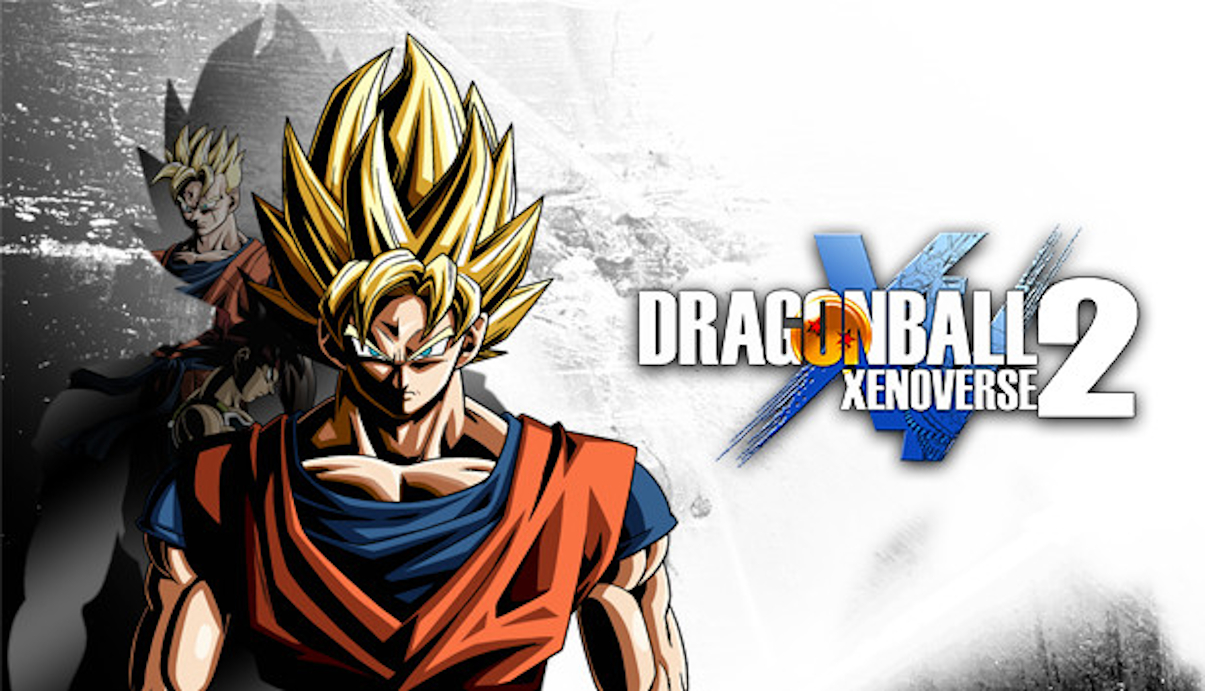
Step back into the altered timelines of the Dragon Ball universe in Dragon Ball Xenoverse 2, a 3D fighting action RPG developed by Dimps and published by Bandai Namco Entertainment. Based on the iconic Dragon Ball series created by Akira Toriyama, the game expands on its predecessor with larger hubs, deeper customization, and more extensive story content.
The gameplay focuses on arena-based 3D combat, RPG progression, and mission-driven time-travel battles, where players create their own custom character and join the Time Patrol to protect history from being altered by powerful villains.
Combat is fast-paced and fully three-dimensional, allowing players to fly freely around large arenas while chaining melee combos, energy blasts, transformations, and signature attacks like Kamehameha, Big Bang Attack, and Final Flash. Battles emphasize movement, timing, and managing ki energy effectively.
One of the standout features of Dragon Ball Xenoverse 2 is its expanded character creation system. Players can choose from multiple races including Saiyan, Namekian, Earthling, Majin, and Frieza’s race, each with unique abilities, stat growth, and transformation paths that significantly affect gameplay style.
The story revolves around repairing distorted timelines where major events from the Dragon Ball series are altered. Players revisit famous battles involving characters like Goku, Vegeta, Frieza, Cell, and others, but with new variations caused by time manipulation.
The game also features a large hub city, Conton City, where players can train, accept missions, interact with other players online, and unlock new skills and gear. This social space expands the RPG feel and adds long-term progression.
Character progression includes leveling up, learning new abilities, customizing equipment, and unlocking transformations such as Super Saiyan forms and beyond, giving players flexibility to build their ideal fighter.
With its combination of custom character progression, massive Dragon Ball roster, and fast-paced 3D combat, Dragon Ball Xenoverse 2 delivers a deep and long-lasting experience for fans of anime fighting games on PC and consoles.
Before downloading make sure that your PC meets minimum system requirements
Minimum System Requirements
- OS: Windows 7 / 8 / 10 / 11 (64-bit)
- Processor: Intel Core i3-530 or AMD Phenom II X2 550
- Memory: 2 GB RAM
- Graphics: NVIDIA GeForce GT 650
- DirectX: Version 11
- Storage: 20 GB available space
Screenshots
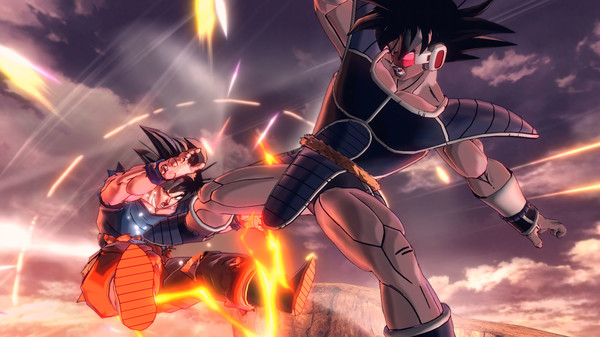
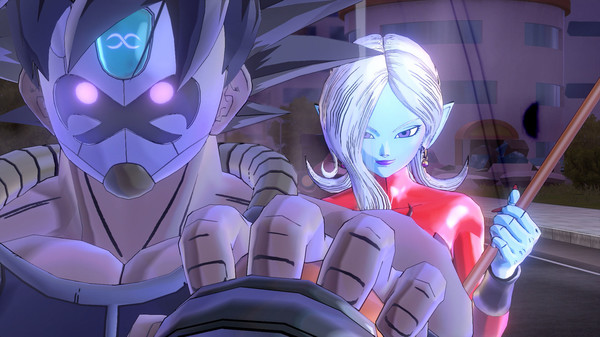
How to Install?
- Download: Get the installer only from the official developer or a verified store.
- Run Setup: Double-click the official .exe file and follow the prompts.
- Default Path: Install to the recommended folder to ensure proper system permissions.
- Update: Run the game launcher to download any official security patches.
- Launch: Open the game via the official desktop shortcut.



