 Apunkagames Official Site – Games Download For PC ApunKaGames is a best website to download games for PC.
Table of Contents
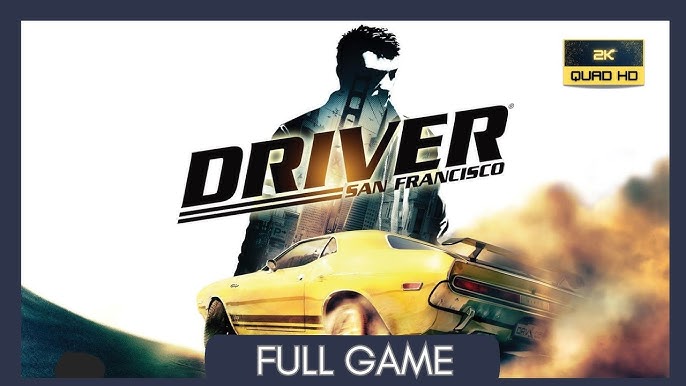
Take part in a unique undercover driving experience in Driver San Francisco, a driving action game developed by Ubisoft Reflections and published by Ubisoft. Set in a detailed recreation of San Francisco, the game follows detective John Tanner as he pursues a dangerous criminal while trapped in a coma-induced “shift” reality.
The gameplay focuses on arcade driving, open-city exploration, high-speed chases, and a unique body-shifting mechanic, where players can instantly jump between different vehicles on the road without leaving the chase.
One of the standout features of Driver San Francisco is the “Shift” ability. This mechanic allows players to take control of any nearby car at any moment, enabling creative pursuit strategies, rapid repositioning, and cinematic chase sequences across the entire city.
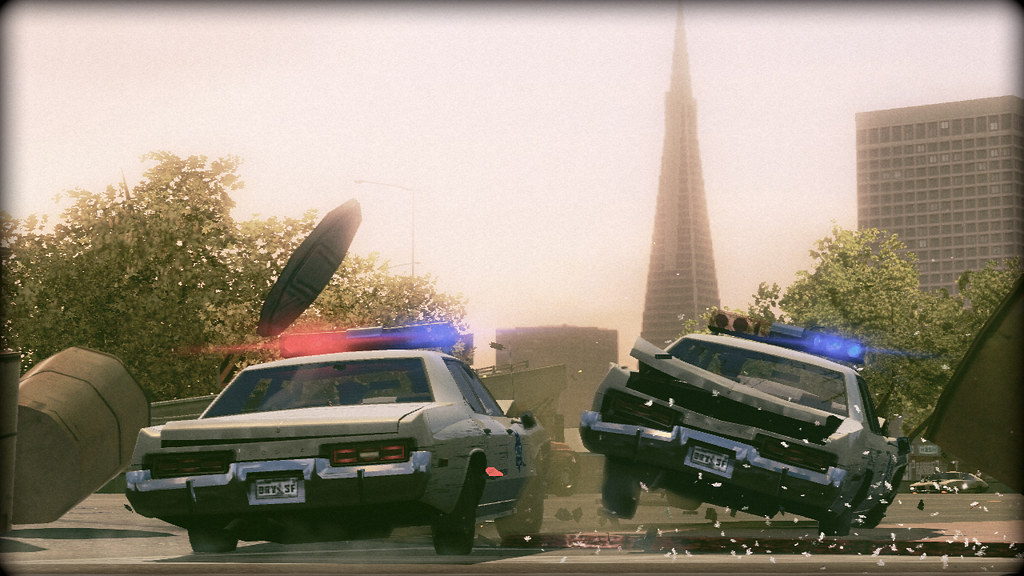
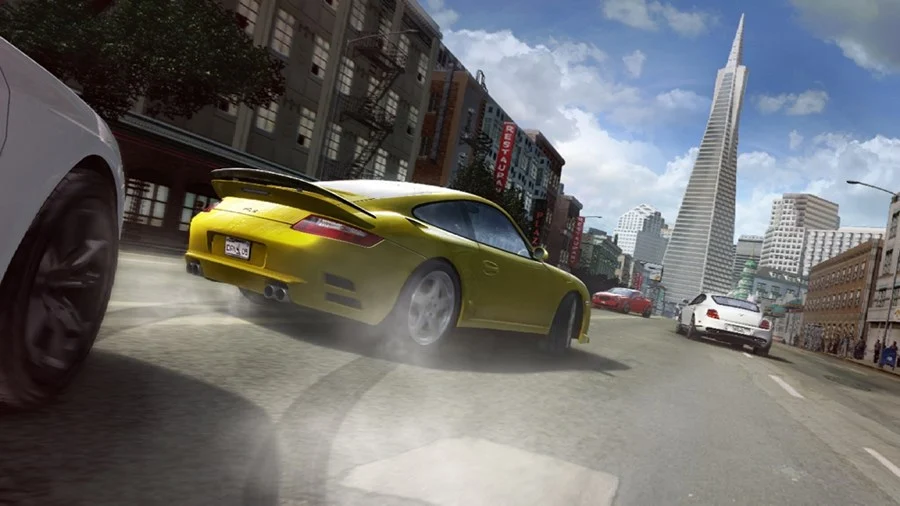
Driving takes center stage, featuring a wide variety of licensed vehicles including sports cars, muscle cars, sedans, trucks, and emergency vehicles, each with distinct handling and speed characteristics.
The city of San Francisco is fully open and detailed, featuring highways, bridges, hills, industrial zones, and downtown streets, all designed for high-speed police chases and stunt driving.
The game also includes a story-driven campaign filled with cinematic cutscenes, police investigations, and dramatic chase scenarios that blur the line between reality and hallucination.
With its combination of innovative shift mechanic, fast-paced driving gameplay, and cinematic urban chases, Driver: San Francisco delivers one of the most unique and creative driving experiences in the genre.
Before downloading make sure that your PC meets minimum system requirements
Minimum System Requirements
- OS: Windows XP / 7 / 8 / 10 / 11
- Processor: Intel Pentium D 3.0 GHz
- Memory: 2 GB RAM
- Graphics: Nvidia GeForce 8600 GT
- DirectX: Version 9.0c
- Storage: 10 GB available space
Screenshots
How to Install Driver San Francisco?
- Download: Get the installer only from the official developer or a verified store.
- Run Setup: Double-click the official .exe file and follow the prompts.
- Default Path: Install to the recommended folder to ensure proper system permissions.
- Update: Run the game launcher to download any official security patches.
- Launch: Open the game via the official desktop shortcut.



