Apunkagames Official Site – Games Download For PC ApunKaGames is a best website to download games for PC.
Table of Contents
Carry out high-stakes espionage across the globe in James Bond 007 Blood Stone, a third-person action shooter developed by Bizarre Creations and published by Activision. Featuring an original story in the James Bond universe, the game blends cinematic gunplay, hand-to-hand combat, and thrilling spy missions.
The gameplay focuses on third-person shooting, cover-based combat, melee takedowns, and stealth action, where players control James Bond as he investigates a global conspiracy involving stolen biological weapons and international terrorists. Missions take place across multiple countries with varied environments and objectives.
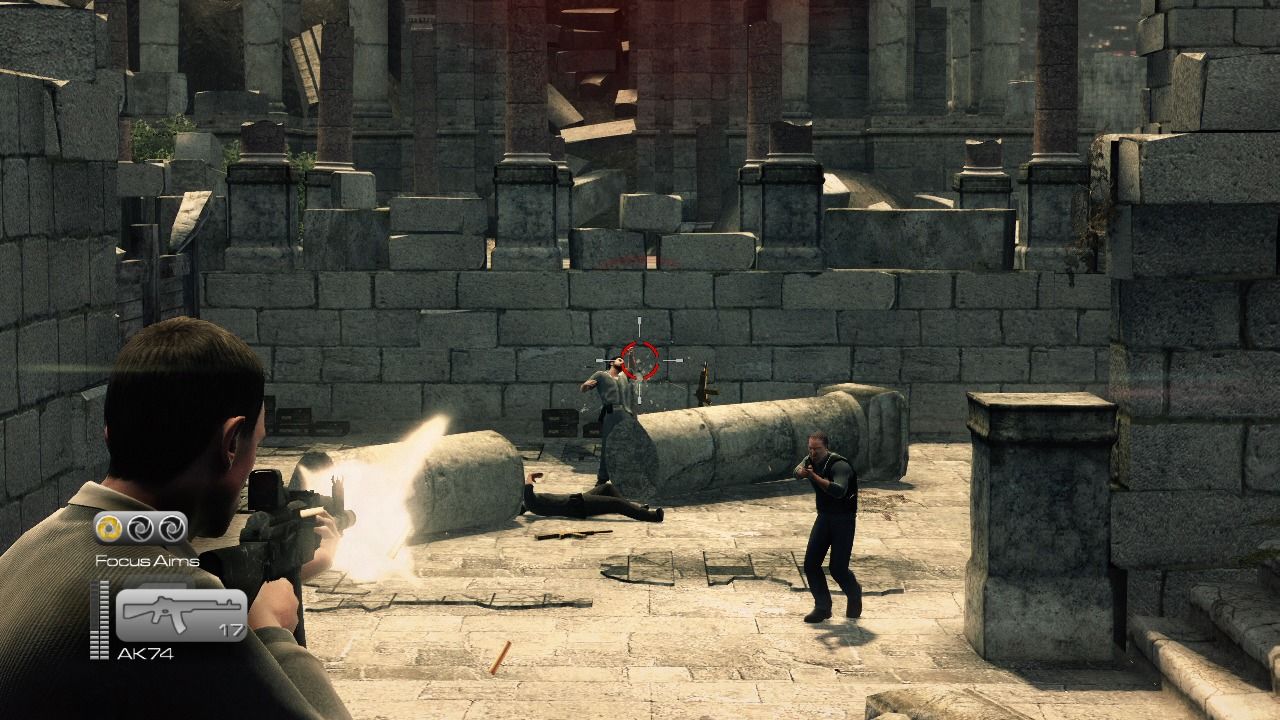
Combat is fast and cinematic, combining gunfights with close-quarters melee attacks. Players can switch seamlessly between shooting enemies, taking cover, and performing brutal takedowns when enemies get too close, keeping the action fluid and dynamic.
One of the standout features of Blood Stone is its “Focus Aim” system, which rewards accurate shooting by slowing down time during precise targeting moments, allowing players to eliminate multiple enemies in quick succession.
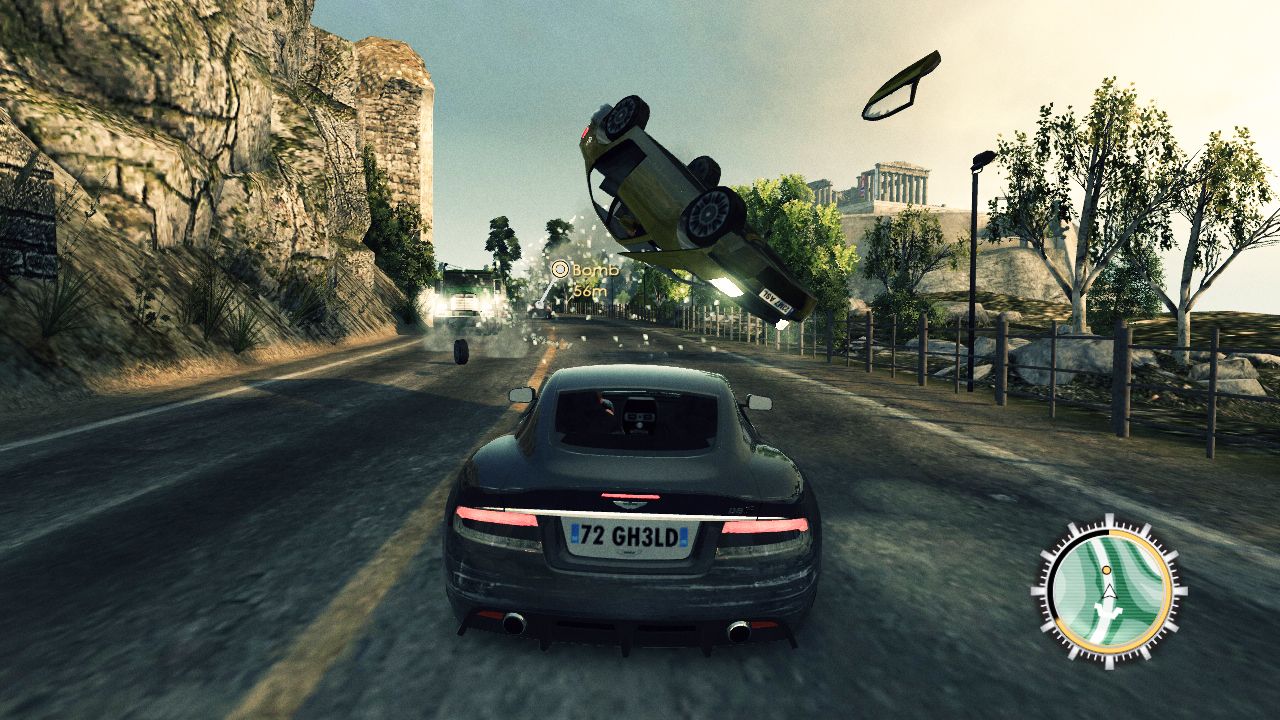
The game also includes high-speed vehicle sequences, such as car chases and boat pursuits, adding variety to the espionage experience. These sections emphasize reflexes, timing, and maintaining control under pressure.
Stealth elements allow players to approach certain sections quietly, using cover, silent takedowns, and tactical positioning to avoid raising alarms and gaining advantage over enemies.
With its combination of cinematic third-person action, stealth mechanics, and high-speed spy missions, James Bond 007: Blood Stone delivers an intense and stylish espionage experience for PC and console players.
Before downloading make sure that your PC meets minimum system requirements
Minimum System Requirements
- OS: Windows 7/8/10/11
- Processor: AMD Athlon 64 X2 Dual Core 4000+
- Memory: 2 GB RAM
- Graphics: NVIDIA GeForce 8600 GT
- DirectX: Version 9.0c
- Storage: 12 GB of free space
Screenshots
How to Install?
- Download: Get the installer only from the official developer or a verified store.
- Run Setup: Double-click the official .exe file and follow the prompts.
- Default Path: Install to the recommended folder to ensure proper system permissions.
- Update: Run the game launcher to download any official security patches.
- Launch: Open the game via the official desktop shortcut.