 Apunkagames Official Site – Games Download For PC ApunKaGames is a best website to download games for PC.
Table of Contents
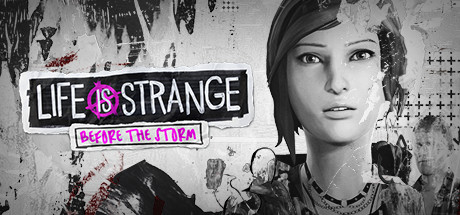
Life is Strange Before the Storm is a story-driven adventure game developed by Deck Nine Games and published by Square Enix. It is a prequel to the original Life is Strange and focuses on character-driven storytelling, emotional choices, and narrative exploration.
The story takes place three years before the events of Life is Strange, following Chloe Price during her teenage years in Arcadia Bay. She forms a deep and complicated relationship with Rachel Amber, a popular and mysterious student whose life is not as perfect as it seems.
Gameplay is based on dialogue choices, exploration, and interactive storytelling rather than action. Players shape Chloe’s personality and relationships through conversations and decisions that influence how the story unfolds.
One of the standout features of Life is Strange: Before the Storm is the “Backtalk” system, where Chloe uses sharp dialogue and attitude-based responses to influence situations and gain advantages in conversations.
The game also focuses heavily on emotional themes such as friendship, identity, family struggles, and loss, making it one of the most character-focused entries in the series.
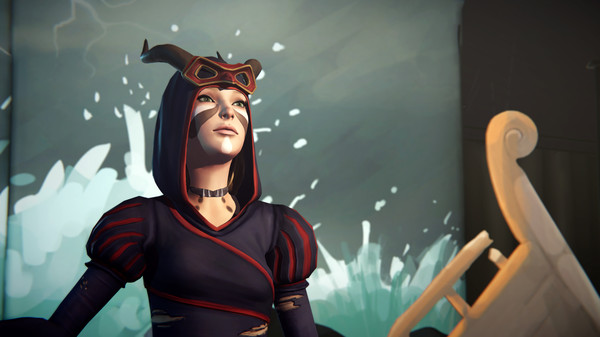
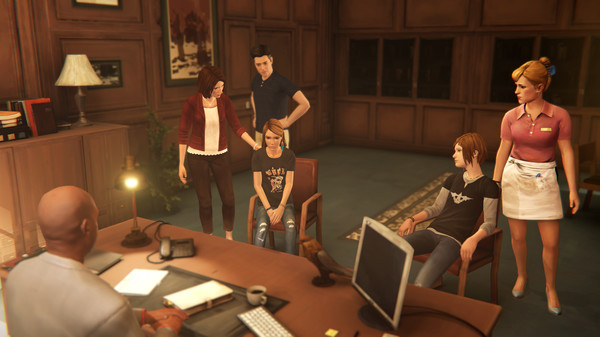
Visually, it features stylized environments, expressive character animations, and cinematic framing, supporting its strong narrative tone and emotional storytelling.
If you enjoy emotional narrative games, choice-based storytelling, and character-driven drama, Life is Strange: Before the Storm is a must-play title. It delivers a deeply personal prequel experience that builds strong emotional connections between its characters.
Before downloading make sure that your PC meets minimum system requirements
Minimum System Requirements
- OS: Windows 7 or above
- Processor: Intel Core i3-2100 (3.1GHz)
- Memory: 3 GB RAM
- Graphics: AMD Radeon R7 250 or NVIDIA Geforce GTX 650
- DirectX: Version 11
- Storage: 14 GB available space
Screenshots
How to Install Life is Strange Before the Storm?
- Download: Get the installer only from the official developer or a verified store.
- Run Setup: Double-click the official .exe file and follow the prompts.
- Default Path: Install to the recommended folder to ensure proper system permissions.
- Update: Run the game launcher to download any official security patches.
- Launch: Open the game via the official desktop shortcut.



