 Apunkagames Official Site – Games Download For PC ApunKaGames is a best website to download games for PC.
Table of Contents
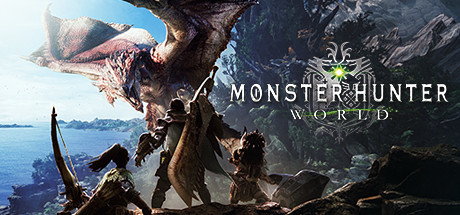
Monster Hunter World is an action RPG and monster-hunting game developed and published by Capcom. It is one of the most successful entries in the Monster Hunter series and focuses on large-scale monster battles, cooperative gameplay, and deep weapon-based combat systems.
The story follows a Hunter sent to the New World, a massive unexplored region filled with dangerous creatures and mysterious ecological activity linked to an ancient dragon known as Zorah Magdaros.
Gameplay centers around tracking, hunting, and defeating giant monsters in large interconnected environments. Players gather materials from defeated monsters to craft stronger weapons, armor, and equipment, creating a progression loop focused on increasingly difficult hunts.
One of the standout features of Monster Hunter: World is its living ecosystem system, where monsters interact naturally with each other and the environment, creating dynamic and unpredictable encounters during hunts.
The game includes 14 unique weapon types, each with completely different playstyles, ranging from massive greatswords and hammers to fast dual blades and ranged weapons.
Multiplayer allows up to four players to cooperate online, encouraging teamwork and strategy during difficult hunts against powerful monsters.
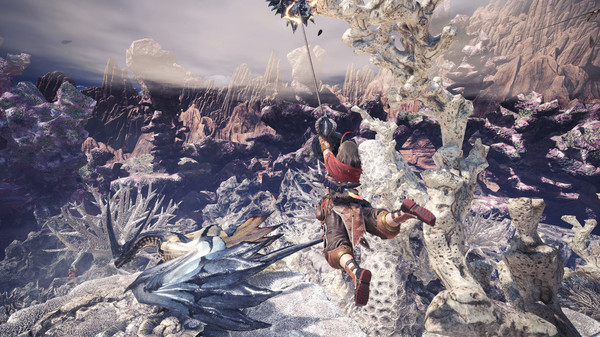
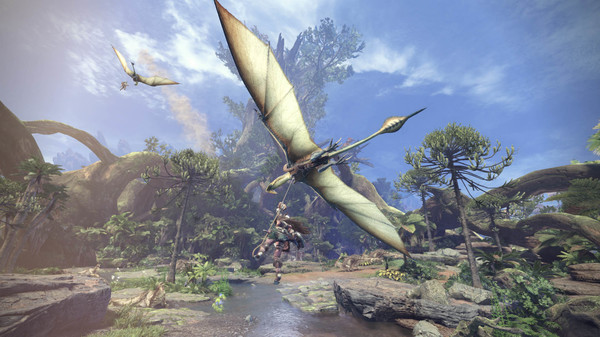
Visually, it features high-detail environments, realistic monster animations, dynamic weather, and cinematic battles, making it one of the most immersive games in the franchise.
If you enjoy action RPGs, boss-focused combat, and cooperative multiplayer gameplay, Monster Hunter: World is a must-play title and widely considered one of the best entries in the Monster Hunter series.
Before downloading make sure that your PC meets minimum system requirements
Minimum System Requirements
- OS: WINDOWS 10 (64-bit required)
- Processor: Intel Core i5 4460 or Core i3 9100F
- Memory: 8 GB RAM
- Graphics: NVIDIA GeForce GTX 760
- DirectX: Version 11
- Storage: 52 GB available space
Screenshots
How to Install Monster Hunter World?
- Download: Get the installer only from the official developer or a verified store.
- Run Setup: Double-click the official .exe file and follow the prompts.
- Default Path: Install to the recommended folder to ensure proper system permissions.
- Update: Run the game launcher to download any official security patches.
- Launch: Open the game via the official desktop shortcut.



