 Apunkagames Official Site – Games Download For PC ApunKaGames is a best website to download games for PC.
Table of Contents
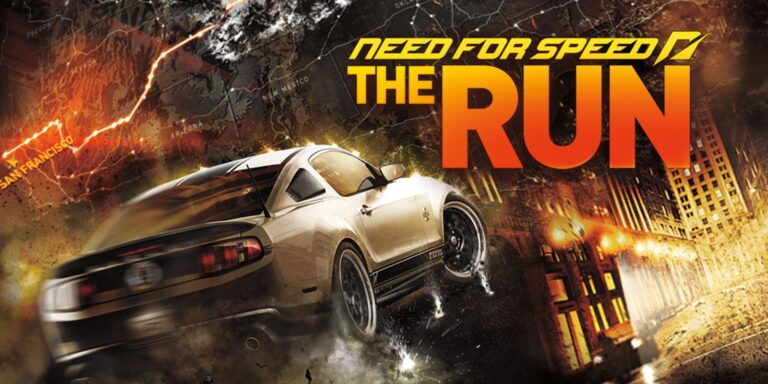
Push yourself in a cinematic cross-country race for survival in Need for Speed The Run, a racing action game developed by EA Black Box and published by Electronic Arts. The game follows Jack Rourke, a street racer who becomes involved in a massive illegal race from San Francisco to New York, where the prize is his freedom.
The gameplay focuses on high-speed racing, cinematic driving sequences, quick-time events, and scripted action moments, where players race across the United States in a nonstop competition against dangerous rivals.
One of the standout features of Need for Speed The Run is its story-driven campaign. Unlike traditional racing games, it blends racing with cinematic storytelling, including chase sequences on foot and dramatic set pieces between races.
The racing spans diverse environments across the U.S., including deserts, mountains, highways, snowy passes, and dense city streets, creating constantly changing driving conditions.
Vehicles include a wide selection of high-performance sports cars, supercars, and exotic vehicles, each designed for high-speed precision and aggressive racing.
The game uses the Frostbite engine to deliver realistic visuals, environmental destruction, and cinematic lighting effects that enhance the sense of speed and intensity.
With its combination of cinematic storytelling, cross-country racing, and high-intensity action sequences, Need for Speed: The Run delivers a unique, movie-like racing experience within the Need for Speed franchise.
Before downloading make sure that your PC meets minimum system requirements
Minimum System Requirements
- OS: Windows Vista/7/8/10/11
- Processor: Intel Core 2 Duo 2.4 GHz
- Memory: 3 GB RAM
- Graphics: ATI Radeon 4870 512 MB
- DirectX: Version 10
- Storage: 18 GB available space
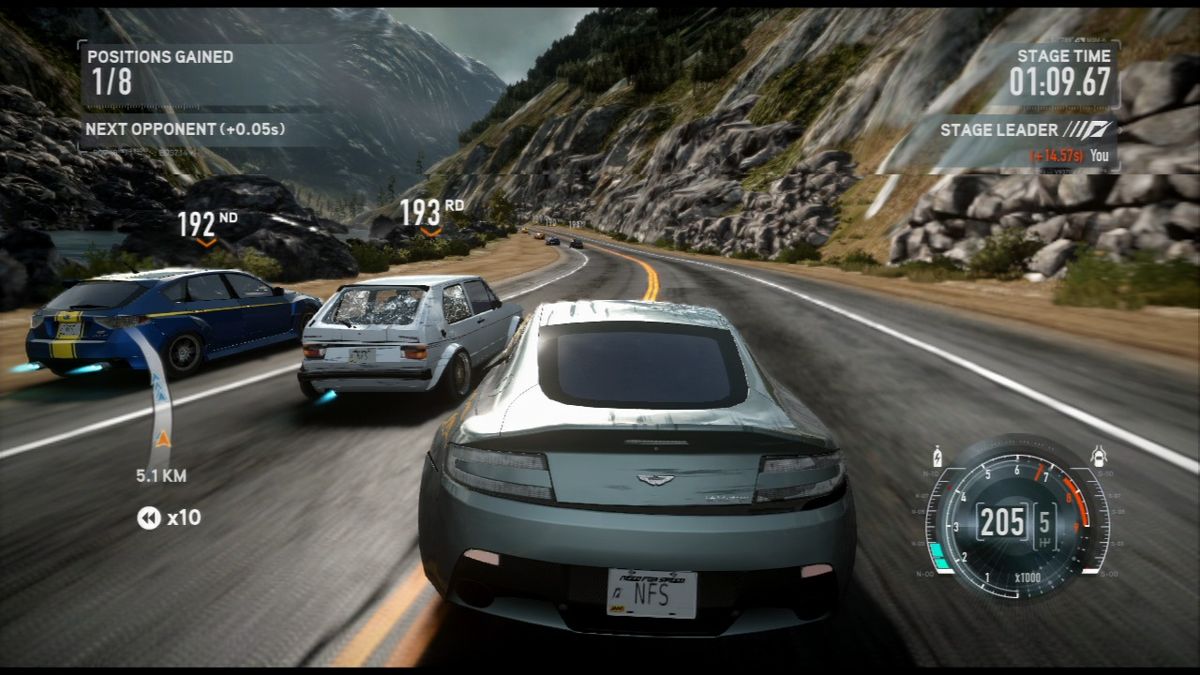
Screenshots

How to Install Need for Speed The Run?
- Download: Get the installer only from the official developer or a verified store.
- Run Setup: Double-click the official .exe file and follow the prompts.
- Default Path: Install to the recommended folder to ensure proper system permissions.
- Update: Run the game launcher to download any official security patches.
- Launch: Open the game via the official desktop shortcut.



