Apunkagames Official Site – Games Download For PC ApunKaGames is a best website to download games for PC.
Table of Contents
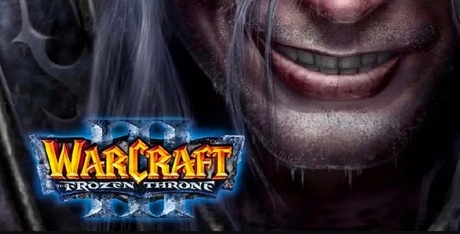
Warcraft III The Frozen Throne is the legendary 2003 expansion that perfected the real-time strategy formula. The narrative shifts to the icy continent of Northrend, chronicling a high-stakes race to the Lich King’s tomb. It follows the desperate flight of Illidan Stormrage, the plight of the Blood Elves, and the dark ascension of Prince Arthas Menethil, cementing one of fantasy gaming’s most iconic storylines.
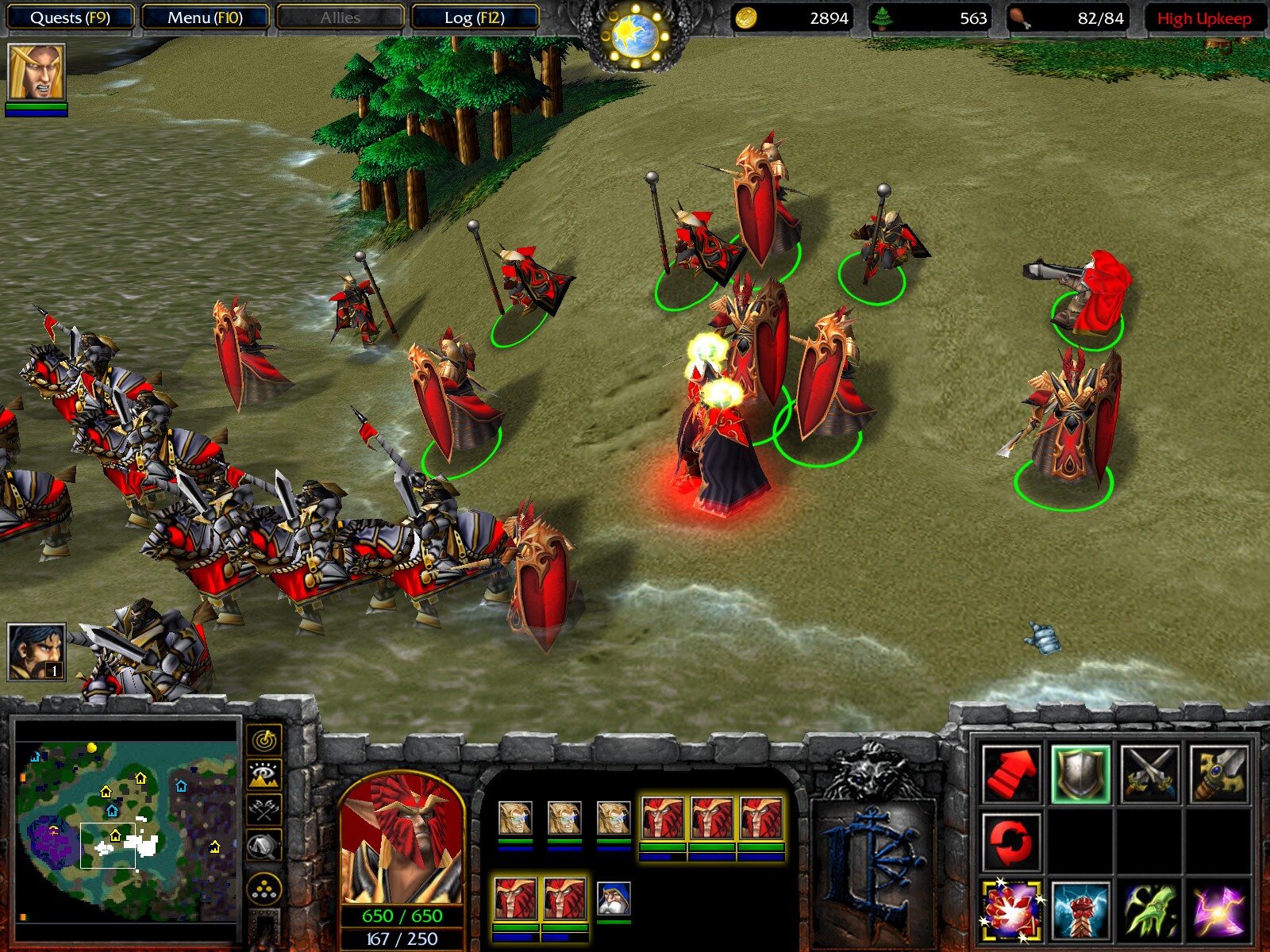
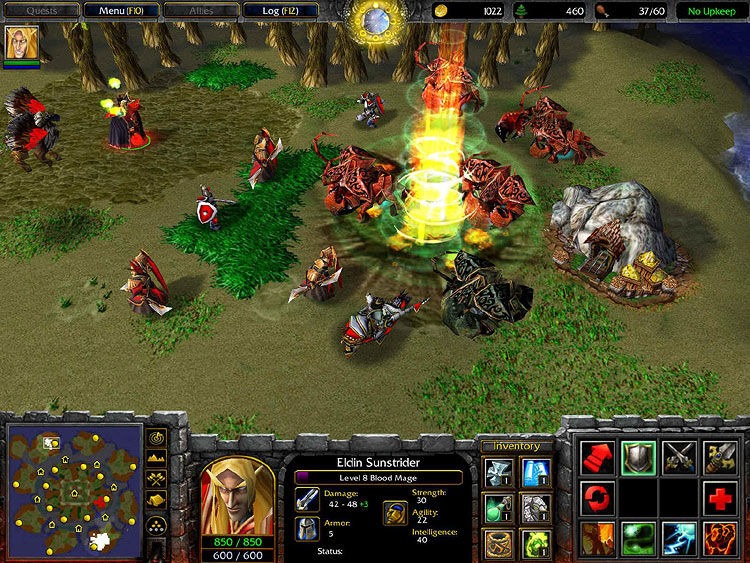
For PC gamers, this expansion completely transformed the competitive multiplayer meta. It introduced powerful new Hero units for each faction, player-purchasable shops, and the Tavern, a neutral structure allowing commanders to recruit unique mercenaries to upend traditional build orders. This drastically deepened tactical micromanagement and strategy.
Additionally, its upgraded World Editor gave mapmakers advanced scripting tools, fueling the golden era of custom games that thrived for decades. Today, the expansion is integrated into a unified digital client, fully preserving the original balance and campaigns. Strategy purists can easily toggle settings to swap out modern textures for the nostalgic, low-polygon 2003 visuals with a quick click.
Before downloading make sure that your PC meets minimum system requirements
Minimum System Requirements
- OS: Windows 98/ME/2000/XP (32-bit)
- Processor: 400 MHz Pentium II
- Memory: 128 MB RAM
- Graphics: 8 MB video card compatible with DirectX 8.1
- DirectX: Version 8.1 or higher
- Storage: 550 MB available
Screenshots
How to Install Warcraft 3 The Frozen Throne?
- Download: Get the installer only from the official developer or a verified store.
- Run Setup: Double-click the official .exe file and follow the prompts.
- Default Path: Install to the recommended folder to ensure proper system permissions.
- Update: Run the game launcher to download any official security patches.
- Launch: Open the game via the official desktop shortcut.